AI Dubbing in your own voice
AI dubbing that keeps your voice: dub any video into 65+ languages. Pick Dubbing 2.0 for your voice or 3.0 for lip sync.
By translating you confirm you have the rights to this video and voice.
- Free 60-second preview
- No sign-up to try
- Your own voice
- 70+ languages
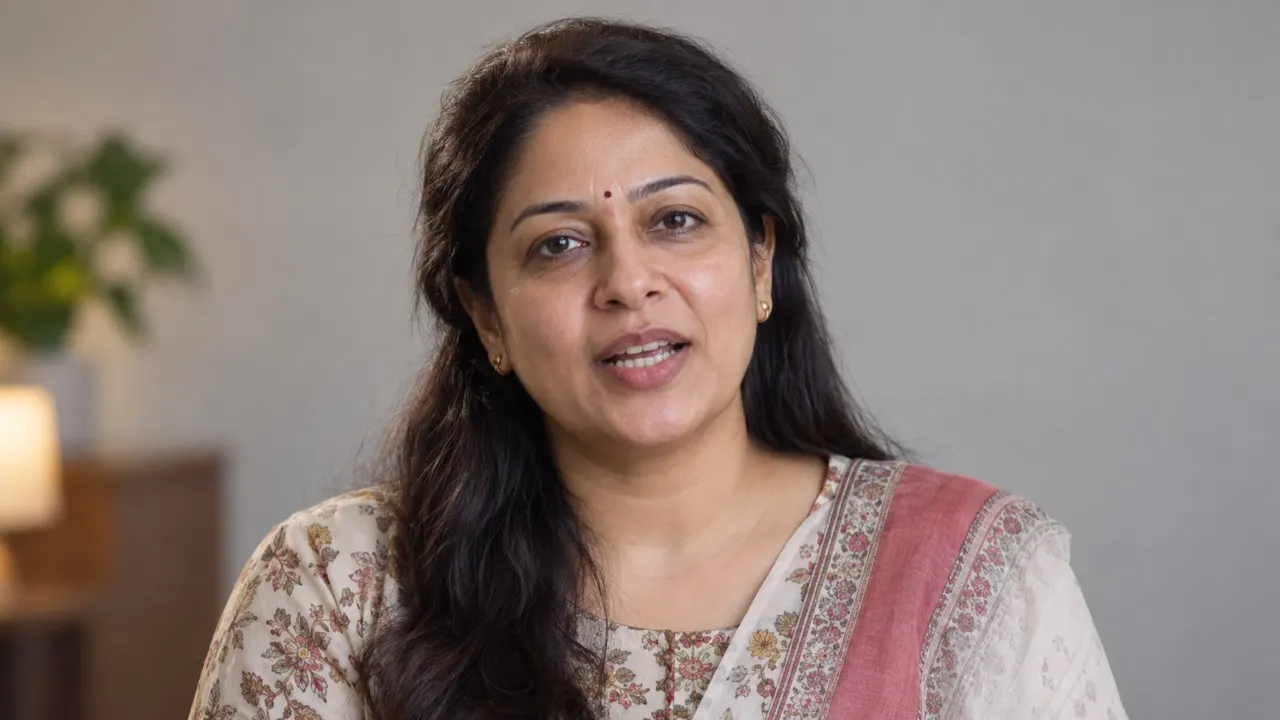 Lips follow the new words
Hear it in six languages
One English clip, dubbed by AI Video Dubbing. Pick a language — same face, same voice, new words.
Demo clip: AI-generated presenter. Voice and lip sync made with the same pipeline you’ll use.
One tool for every kind of video
Pick a scenario and compare both sides — same picture, new language.
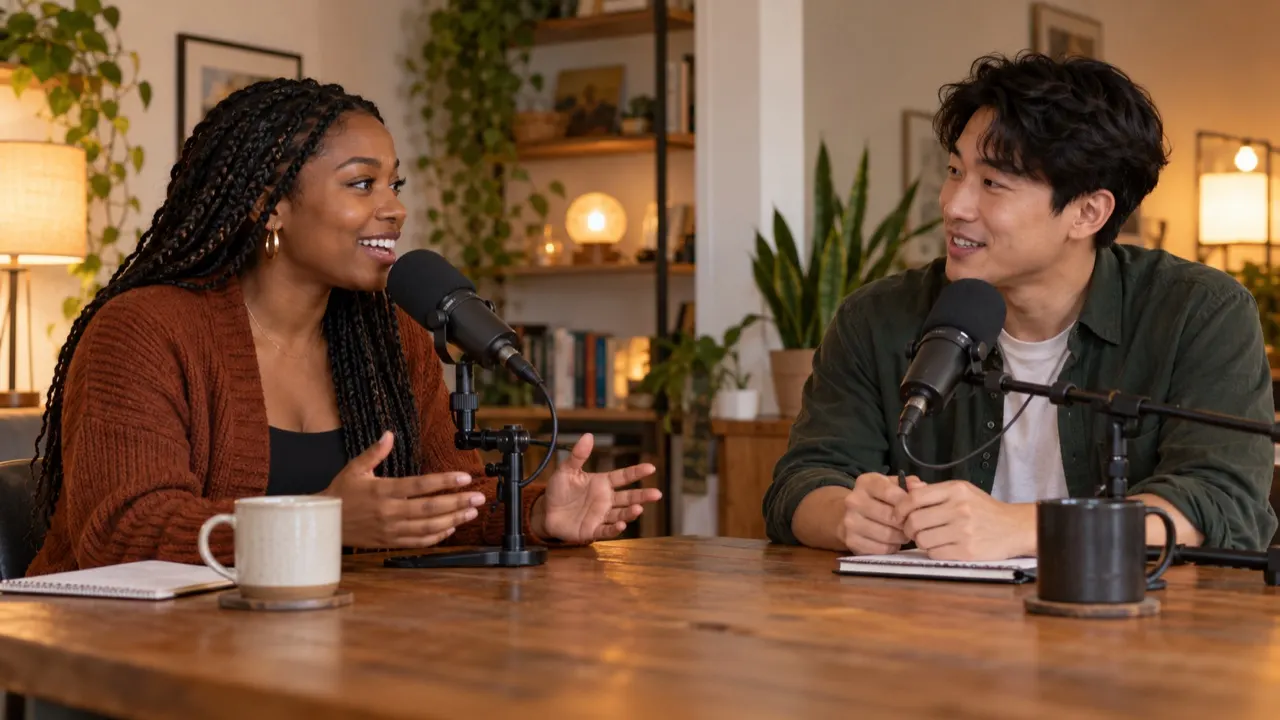 Original · EnglishSo what changed for you this year?Spanish · Dubbing 2.0¿Y qué cambió para ti este año?
Your voice, or one from the library
Each speaker’s voice is cloned from the video. Or give anyone a library voice or your own clone, before you generate — at no extra cost.

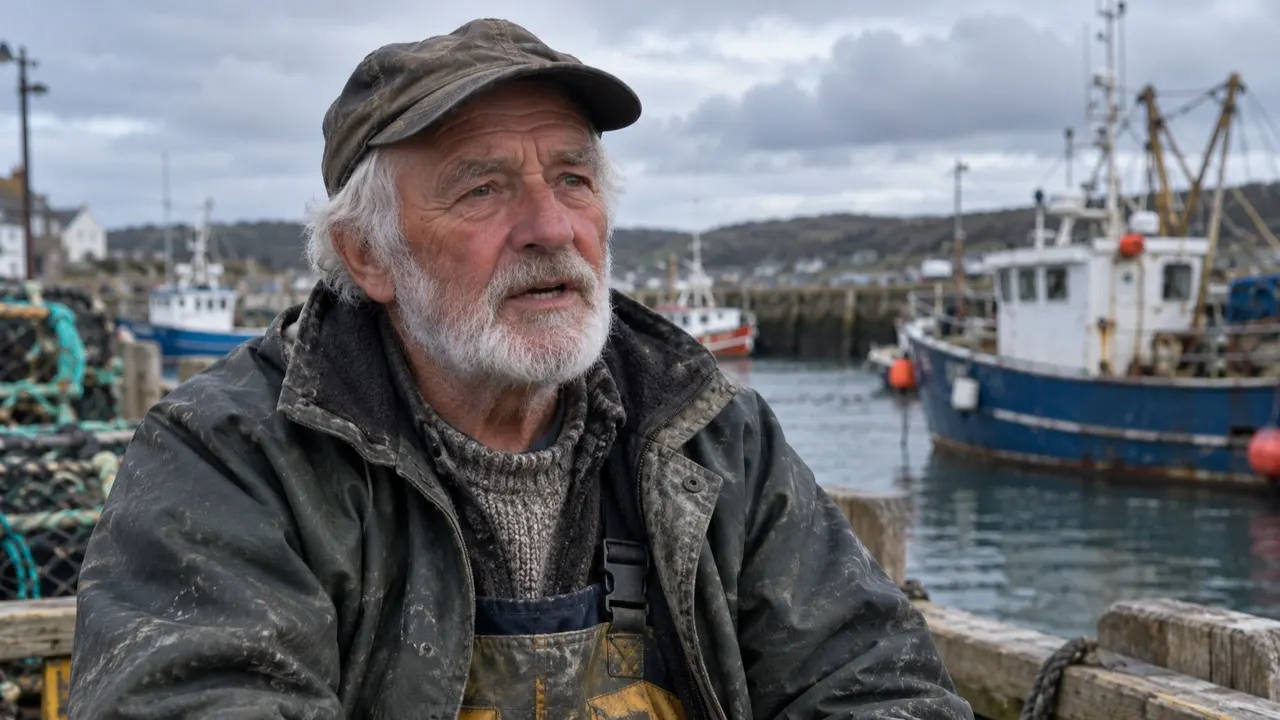
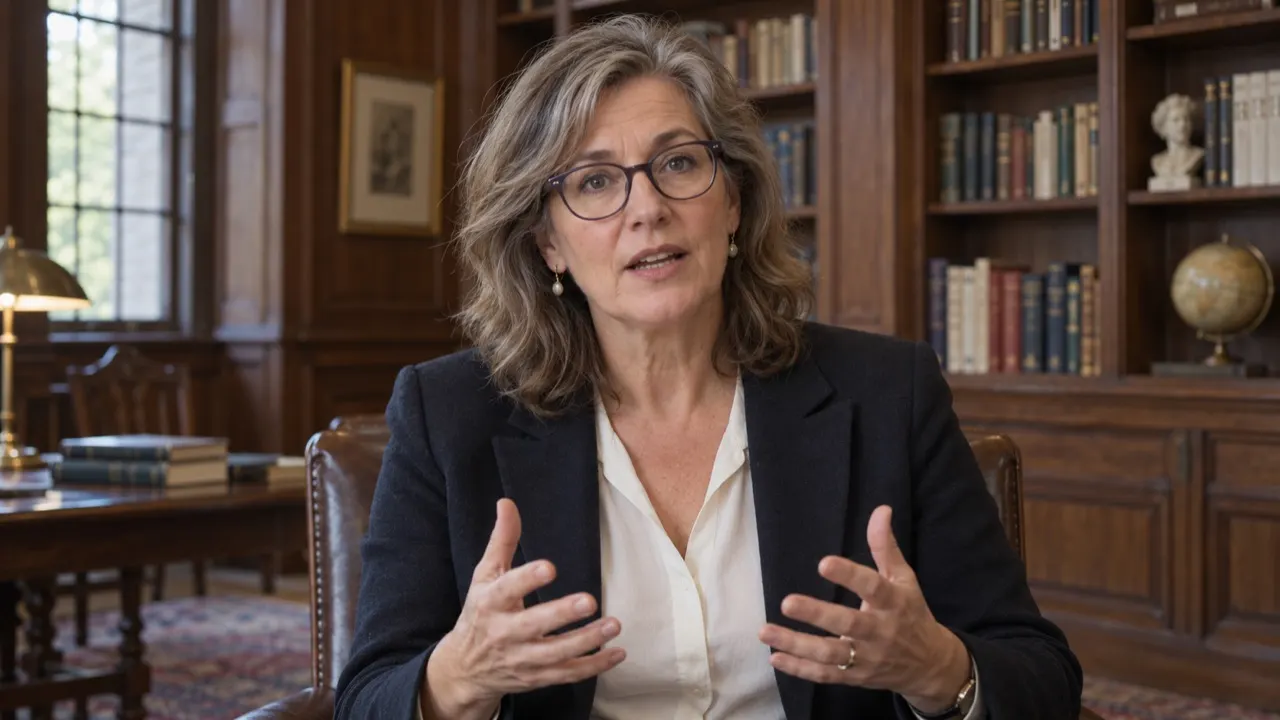
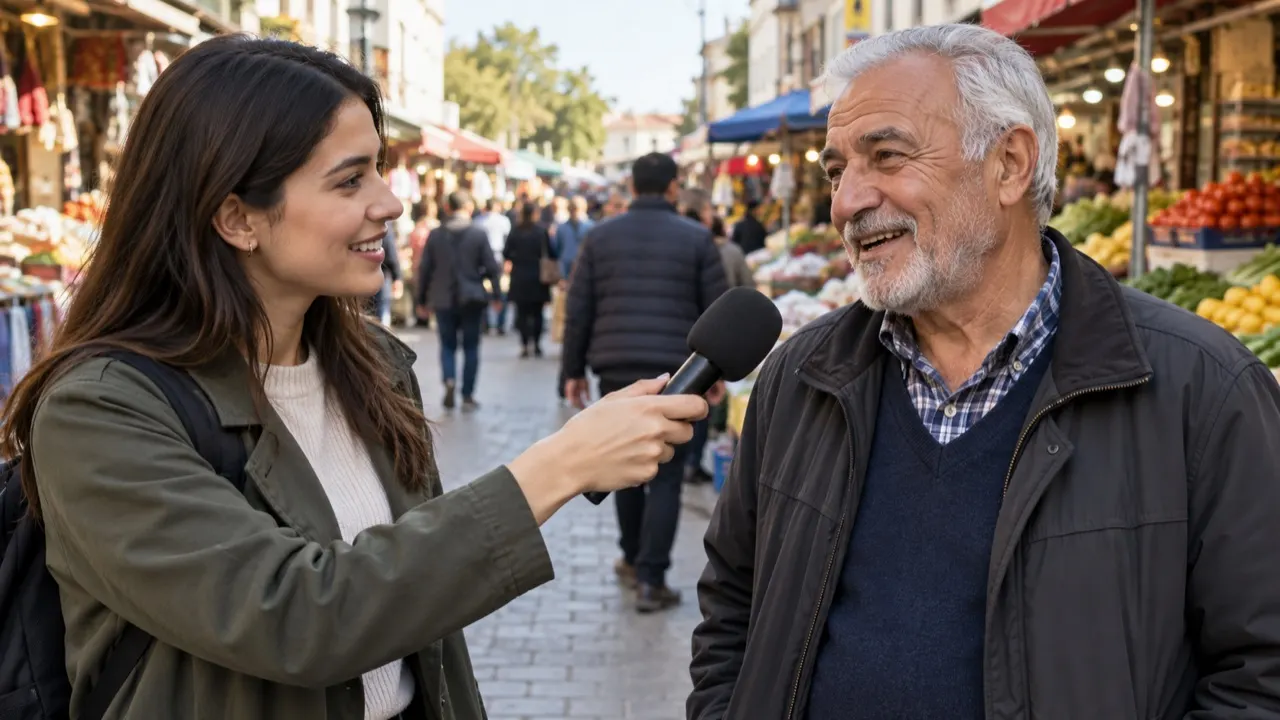
- Each speaker keeps their own voice
- No recording session
- Pace and pitch follow the original
- Or pick one of 12 library voices per speaker
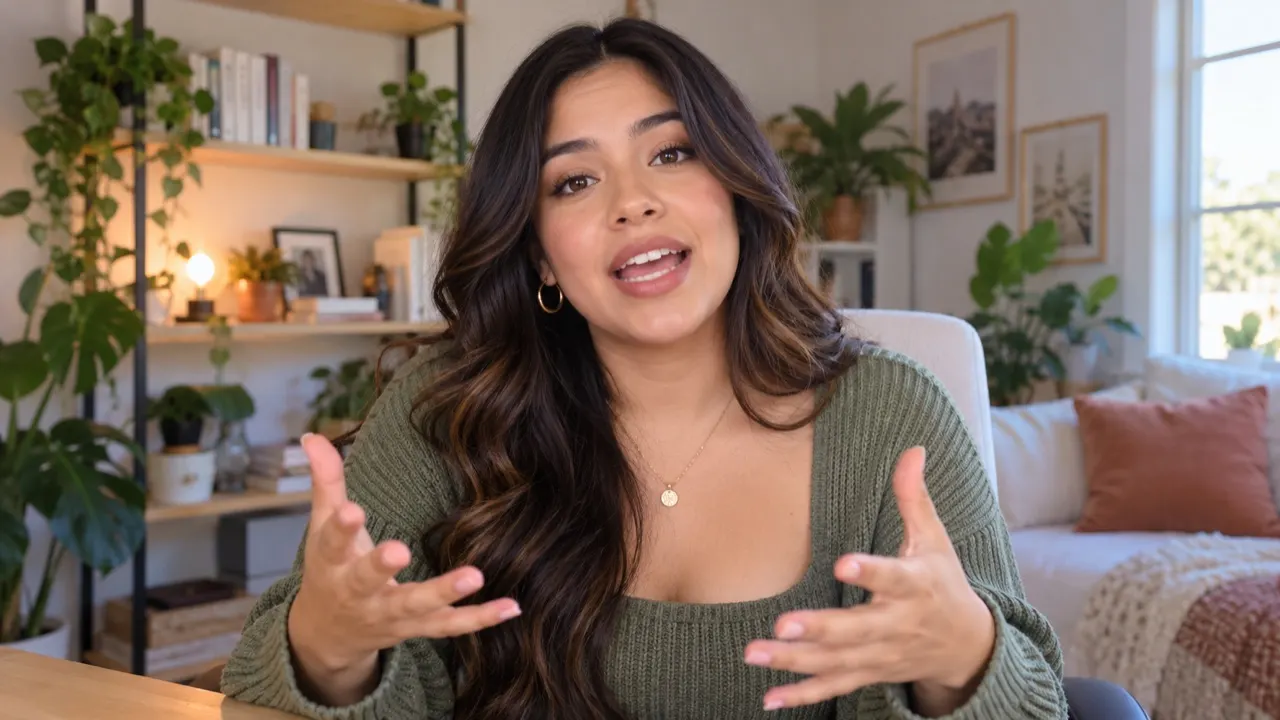 AvaWarm · Female · English
 MateoConfident · Male · Spanish
 YukiBright · Female · Japanese
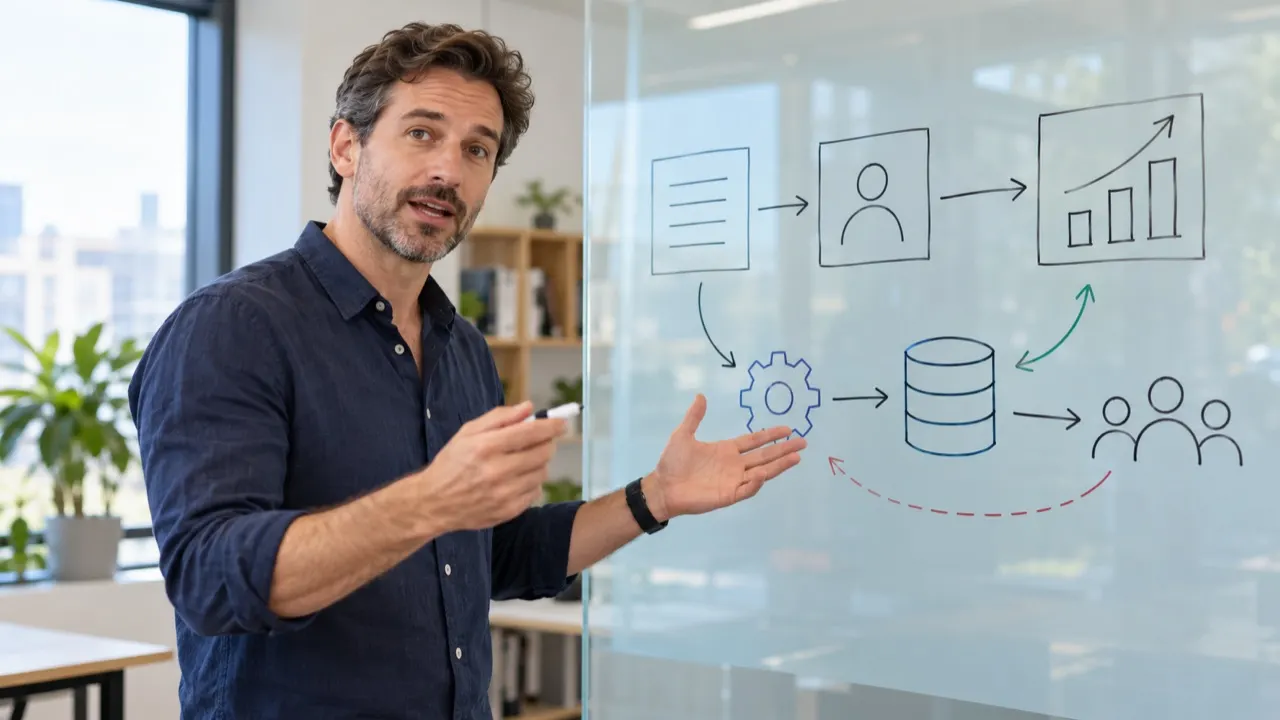 PriyaClear · Female · Hindi
Edit the script, not the video
You see every translated line before it is voiced.
How to dub a video in 3 steps
No editing software, no recording session.
- 1Upload your videoDrop a file — up to 2 hours and 2 GB.
- 2Pick the language and modelAuto-detect the original, then choose your target languages and a model.
- 3Preview, edit and downloadFix any line in the script, then download the video, audio or subtitles.
AI dubbing into 65+ languages
Every pair works both ways.
Discover more tools
Everything you need to take one video into many languages.
Frequently asked questions
How much does AI dubbing cost?
Preview the first 60 seconds of any video free. After that, a dub uses 1.5 credits a minute (subtitles 0.2, lip sync 5). The Starter pack is $9.90 for 15 credits and never expires; the Creator plan is $19.90 a month for 40 credits. 26 languages, such as Bengali, Urdu, Swahili and Welsh, are voiced in two steps, so a dub or lip sync into one of them adds 0.5 credit a minute (a minute at least). The language list marks them.
Will the dub sound like me?
The voice is learned from your video itself, so viewers hear your tone and pace in the new language — no recording session. It works best on clear speech without loud music on top. Try the free preview first: it uses the same voice you would get on the whole video.
Can I use a voice that is not mine?
Yes. Each speaker keeps their own voice, learned from the video, unless you pick another: before you generate, switch any speaker to one of 12 library voices or to a voice you cloned, at no extra cost. Only dub people who agreed to it — cloning a voice without consent breaks our content policy.
Which languages can AI dubbing speak?
70+ languages for subtitles, and 65+ for a dub in your own voice, including Spanish, Portuguese, French, German, Japanese, Korean, Chinese, Hindi, Arabic and Indonesian. The language spoken in your video is detected for you. One upload can go out in up to 3 languages on a pack or the Creator plan, and up to 10 on Studio; each language is billed separately.
Can I dub a video with two or more speakers?
Yes. Speakers are told apart for you and each keeps their own voice. The script shows who says every line, and you can change it where a speaker was mixed up.
Is the background music kept?
Yes. Only the voice is replaced; music and sound effects stay where they were. You can download the dubbed video and the new audio track with the music in it.
Can I change a line after it is voiced?
Yes. On the finished project, press Edit lines, change any translated line and re-dub: only the lines you changed are spoken again, in the same voice, and the rest of the track stays as it is. It costs 1.5 credits a minute of the changed lines, and your files stay until the new ones are ready. Lip-synced videos can't be re-dubbed yet; translate those again.
Does lip sync cost more?
Yes. Lip sync uses 5 credits a minute against 1.5 for a voice only, because the mouth is redrawn in every frame. The free preview is voice only; hear it first, then add lip sync to the full video.
Try AI dubbing on your video — free
Preview 60 seconds of the dub without signing up.