AI Voice Over Generator
An AI voice over generator for documentaries, ads and guides. Paste the narration, pick a narrator and a mood, download the track, and change a line any time without a re-record.
 LukasDeep · Male · German
- 12 narrators
- 8 reads
- Or your cloned voice
How do I make an AI voice-over for a video?
Paste up to 5,000 characters of script, choose a narrator, an emotion and the speed, then generate and download MP3 or WAV to place under your video. It costs 0.5 credit per 1,000 characters — roughly a minute of narration — and a new account gets 3 free credits. In 26 languages, such as Bengali, Urdu, Swahili and Welsh, the speech is also matched to the voice, which adds 1 credit per minute of audio (30 seconds at least).
- Per 1,000 characters
- 0.5 credit
- Longest script
- 5 min of speech
- Narrators
- 12
- Moods
- 8
- Clone from
- 10 s of audio
- Files
- MP3, WAV
Documentary and history channels
A steady, serious narrator for every episode — without booking the booth.
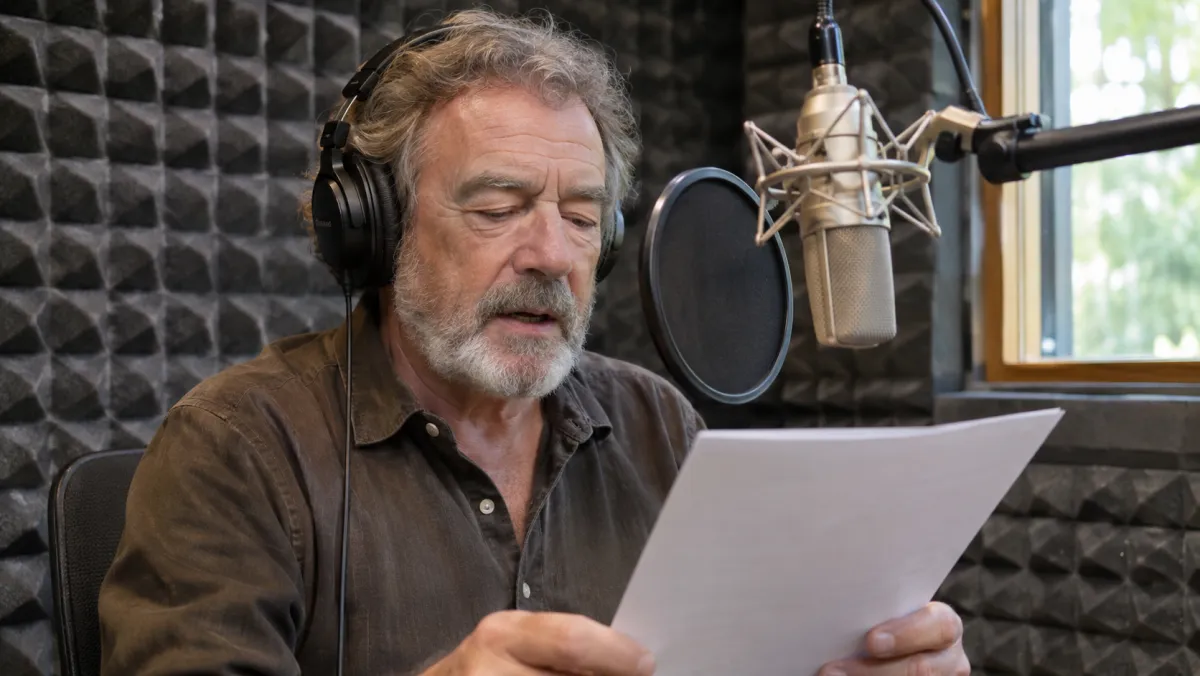
Faceless history and science channels live on narration. Write the script, choose a Calm or Serious read, and lay the audio under your archive footage.
Keep one narrator across a whole series: the same library voice sounds the same in episode 1 and episode 40.
- Calm or Serious read
- Same narrator every episode
- MP3 or WAV for your editor
Explainers and product videos
Change a sentence on Friday and have new audio in a minute.
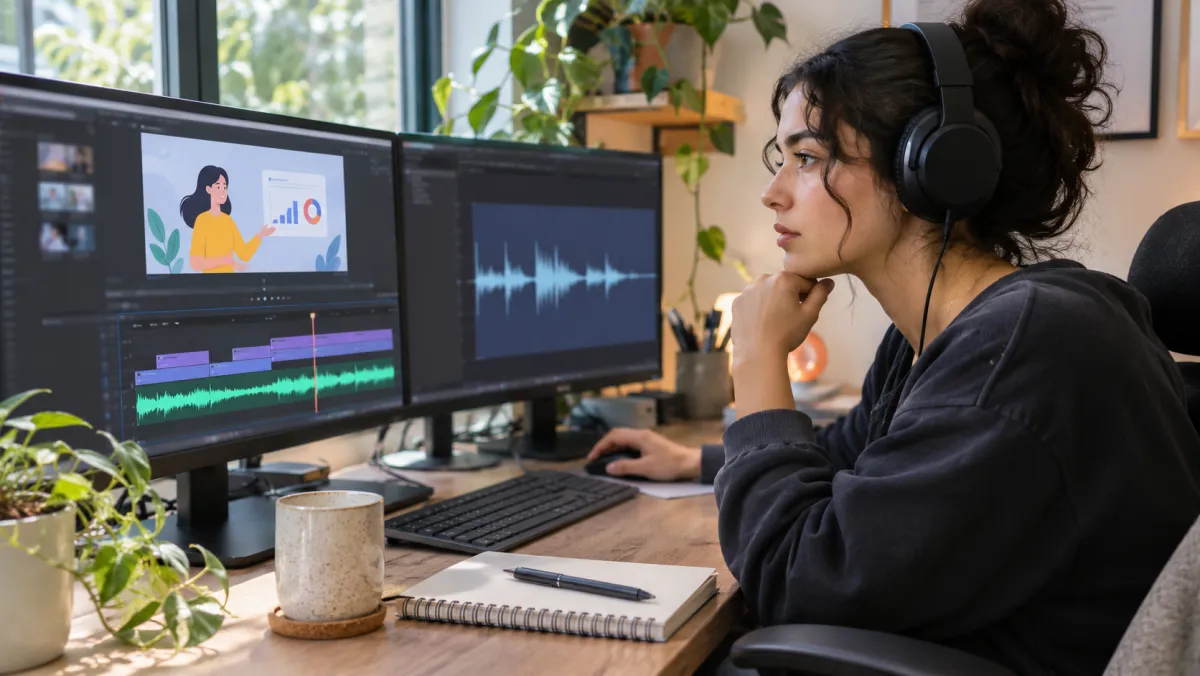
With a recorded voice-over, a changed feature name means a new session. Here you edit the line and generate again; the rest of the read stays as it was.
Speed it up for a punchy 30-second ad, slow it down for a tutorial. Speed and pitch are set before you generate.
Audio guides and e-learning
One script, read in every language your visitors speak.
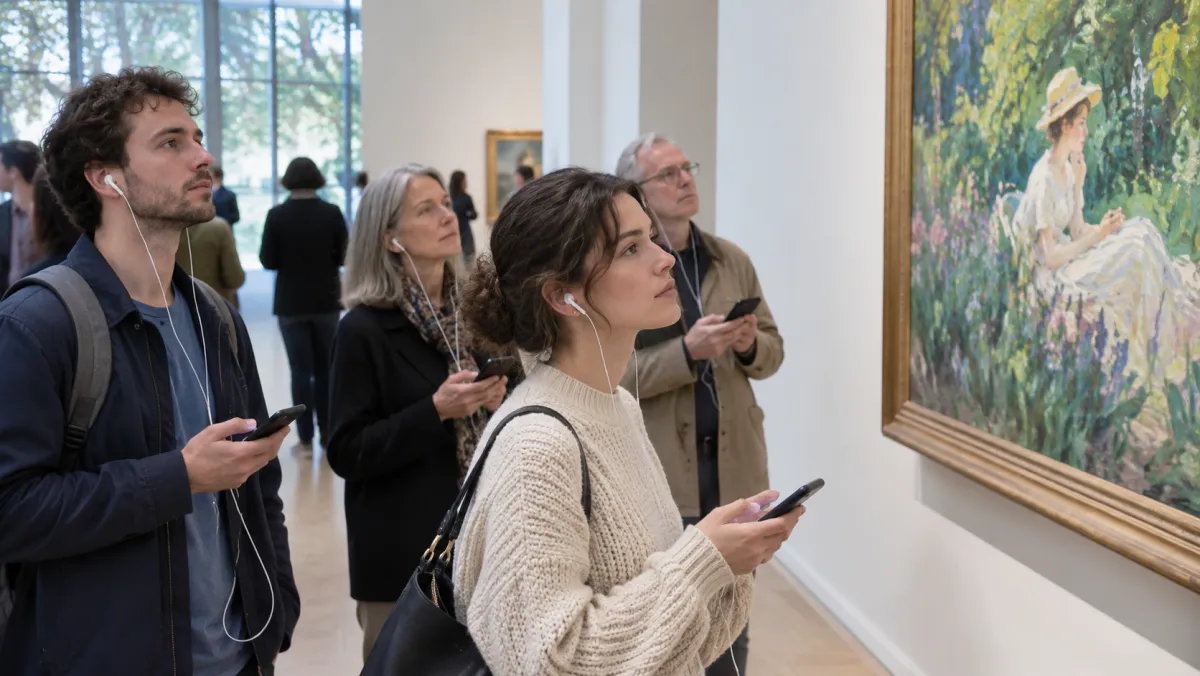
Museums, tours and training teams need the same text in several languages. Paste each translation and pick a voice for it: every library voice reads 65+ languages.
Long guides go in 5-minute pieces of up to 5,000 characters; for a whole book, the audiobook maker splits chapters for you.
Write for the ear
A voice-over script is not a blog post. Three habits that make any narrator sound better.
AI voice-over, voice actor or your own mic?
For a 5-minute narration.
Audition the narrators
Press play on any voice; each one reads all 65+ of our voice languages.
 AvaWarm · Female · English
 MateoConfident · Male · Spanish
 YukiBright · Female · Japanese
 PriyaClear · Female · HindiLukasDeep · Male · German
 CamilleSoft · Female · French
 RafaelLively · Male · Portuguese
 Min-junCalm · Male · Korean
 GraceNarrator · Female · English
 DiegoStory · Male · Spanish
 HanaGentle · Female · Japanese
 ArjunMature · Male · Hindi
Script to finished voice-over
Three steps, no microphone.
- 1Write the narrationPaste it, or type straight into the box.
- 2Direct the readNarrator, mood and pace.
- 3Drop it on the timelineDownload and line it up under your footage.
Want the narrator to be you? Clone your voice from 10 seconds of audio. Already have a finished video in one language? Dub it instead.
Discover more tools
Everything you need to take one video into many languages.
Frequently asked questions
What is an AI voice-over?
Narration made from text: you write what should be said, choose a voice and a mood, and get an audio file to put under your video, slides or ad, with no microphone or booth.
Is it free to try?
Listen to every narrator on this page without an account. Generating needs a free account: A new account gets 3 free credits, and the same credits work for every tool.
Can the narrator be me?
Yes. Record at least 10 seconds on the voice cloning page; your voice then sits beside the library narrators and can read scripts in other languages too.
How do I change one line after it is done?
Edit the sentence in the script and generate again. The new file costs only the characters you send, so short fixes are cheap.
How much narration fits in one go?
5,000 characters, about five minutes spoken. Split a longer script into parts, or use the audiobook maker, which splits chapters for you.
I already have a video with speech. Is this the right tool?
No — to put existing speech into another language, use the video translator, which keeps the speaker’s voice. To make the same words sound like someone else, use the voice changer.
How is it priced?
0.5 credit per 1,000 characters, rounded up to the next 0.1 credit, with the price shown before you generate. In 26 languages, such as Bengali, Urdu, Swahili and Welsh, the speech is also matched to the voice, which adds 1 credit per minute of audio (30 seconds at least). A new account gets 3 free credits, and the same credits work for every tool.
Do I need permission to voice over with someone’s voice?
Yes. Translate videos you own or have the rights to, and only clone the voices of people who agreed to it. Videos that impersonate someone or use a voice without consent break our content policy and are removed.
Make your next voice over today
Sign up free — 3 credits cover several minutes of voice-over.