Free AI Video Translator
The AI video translator that dubs any video in your own voice: subtitles in 70+ languages, voice and lip sync in 65+.
By translating you confirm you have the rights to this video and voice.
- Free 60-second preview
- No sign-up to try
- Your own voice
- 70+ languages
Hear it in six languages
One English clip, dubbed by AI Video Dubbing. Pick a language — same face, same voice, new words.
Demo clip: AI-generated presenter. Voice and lip sync made with the same pipeline you’ll use.
Edit the script, not the video
You see every translated line before it is voiced.
Everything a video translator should do
Voice, script, music, lips and files — in one upload.
Your voice in 65+ languages
We learn your voice from the video itself — no recording session. Viewers hear you, not a stock voice.
 Ahora, cada video sale en seis idiomas.
Edit the script before voicing
Every line shows up next to the original. Fix a name, shorten a line, then press Generate.
Keep the background music
Only the voice is swapped. Intro music, room tone and sound effects stay exactly where they were.
How to translate a video
Three steps. Most short videos are done before your coffee is.
- 1Upload your video~10 sDrop a file up to 2 GB. MP4, MOV, WebM and MKV all work, and so does audio.
- 2Pick languages and check the script~2 minChoose your languages. Read the translation and fix anything before it is voiced.
- 3Download or publishinstantGet the video, the audio track for YouTube and subtitles in both languages.

AI dubbing vs subtitles vs a dubbing studio
Typical prices and turnaround, October 2026.
| aivideodubbing.ai | Subtitles only | Human dubbing studio | |
|---|---|---|---|
| Price per minute | From $0.54 | Often free | $30–100+ |
| Turnaround | Minutes | Minutes | Days to weeks |
| Speaks in your own voice | A voice actor | ||
| Keeps the background music | — | ||
| Edit the script before voicing | Through revisions | ||
| Lip sync | Rarely | ||
| Export SRT + audio track | SRT only | ||
| Subtitle languages | 70+ | 100+ | Depends on the studio |
| Languages in your own voice | 65+ | — | Depends on the studio |
Popular language pairs
Every pair works both ways — dubbing and subtitles.
What it does well — and where it struggles
Know before you upload. A failed translation gives your credits back.
Simple pricing in credits
1.5 credits = 1 minute of dubbing. Plans refill monthly; packs never expire.
只做一个视频?Starter 包 $9.90 得 15 积分(≈ 10 分钟配音),无需订阅。
Stripe 安全支付 · 随时取消 · 翻译失败自动退还积分
Discover more tools
Everything you need to take one video into many languages.

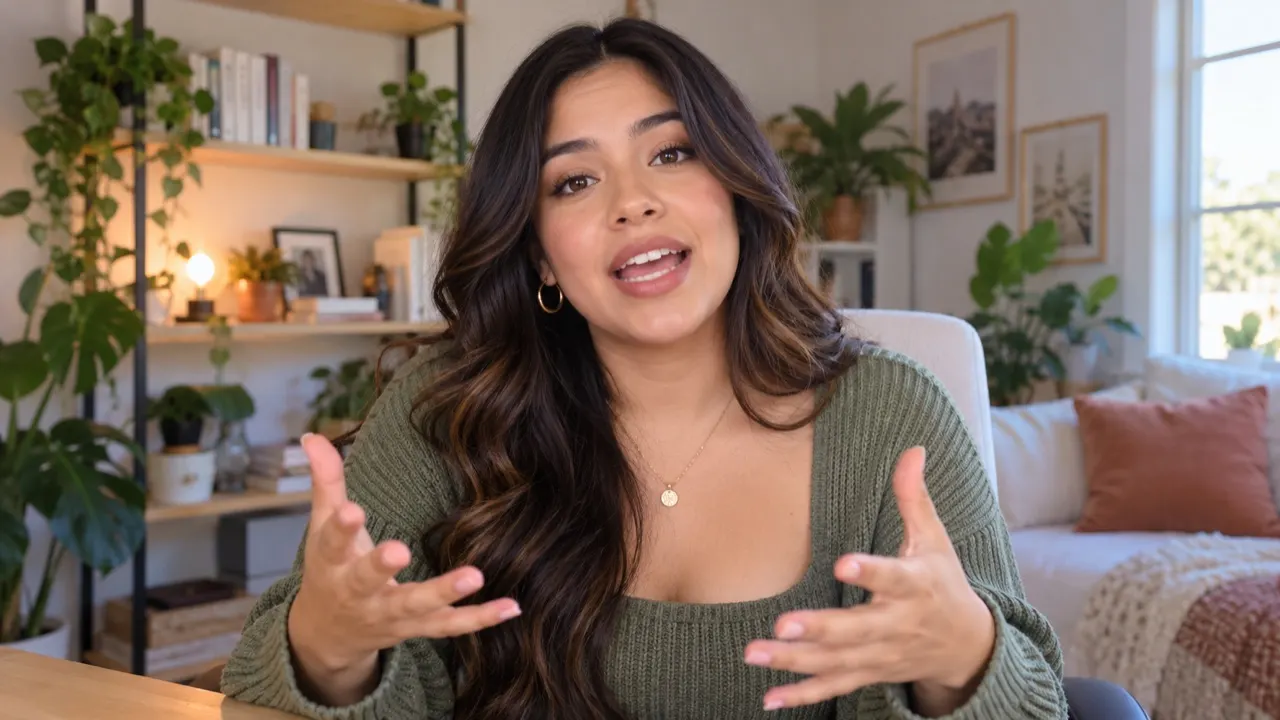
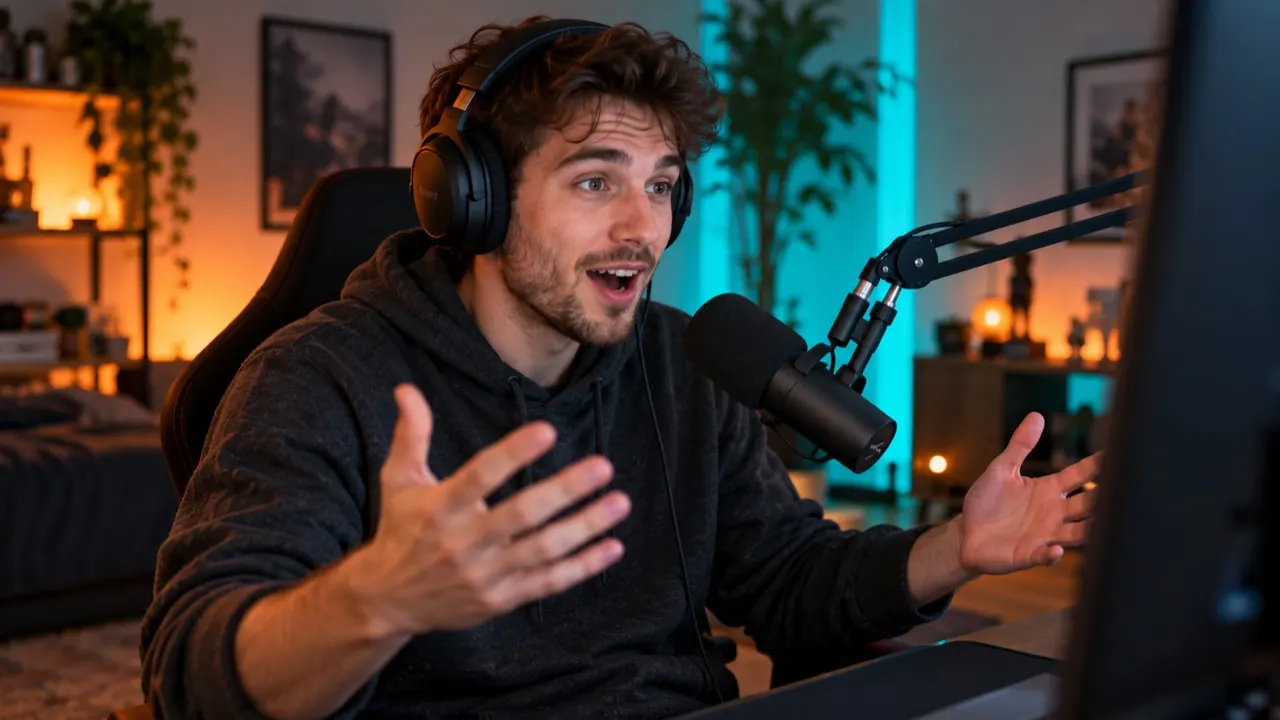
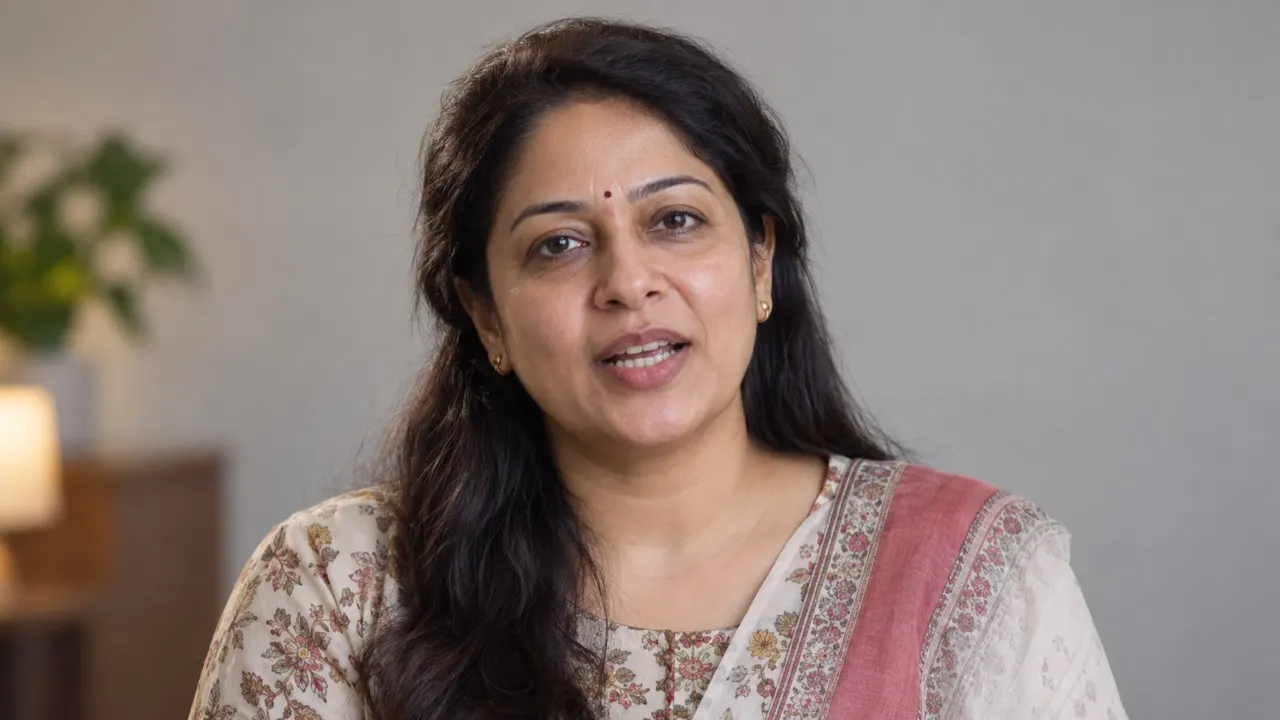
Frequently asked questions
How much does the AI video translator cost?
Preview the first 60 seconds of any video free. After that, a dub uses 1.5 credits a minute (subtitles 0.2, lip sync 5). The Starter pack is $9.90 for 15 credits and never expires; the Creator plan is $19.90 a month for 40 credits. 26 languages, such as Bengali, Urdu, Swahili and Welsh, are voiced in two steps, so a dub or lip sync into one of them adds 0.5 credit a minute (a minute at least). The language list marks them.
Is there a free version?
Yes: one free preview a day without an account, 3 free previews a day signed in, and 3 credits when you verify your email. A preview is the first 60 seconds, dubbed into one language, and you can edit its script like any other translation.
Which languages can I translate into?
70+ languages for subtitles, and 65+ for a dub in your own voice, including Spanish, Portuguese, French, German, Japanese, Korean, Chinese, Hindi, Arabic and Indonesian. The language spoken in your video is detected for you. One upload can go out in up to 3 languages on a pack or the Creator plan, and up to 10 on Studio; each language is billed separately.
Does it really sound like me?
The voice is learned from your video itself, so viewers hear your tone and pace in the new language — no recording session. It works best on clear speech without loud music on top. Try the free preview first: it uses the same voice you would get on the whole video.
How long can my video be?
Files up to 2 GB. A free preview covers the first 60 seconds of any length of video. With credits, packs and the Creator plan take videos up to 30 minutes, Pro up to 60, and Studio up to 2 hours. A longer video can be trimmed to the part you need; only that part is processed and charged.
Can I edit the translation before it is voiced?
Yes, every translation stops at the script. You see each line next to the original, can fix names, shorten lines we flag as rushed, mark lines to keep in the original language and change who is speaking. Nothing is voiced until you press Generate.
Can I add the translation to YouTube as a second audio track?
Yes. Download the audio track for each language (your translated voice with the original music) and add it in YouTube Studio under Languages → Add audio. Viewers then pick the language on the same video, so views and comments stay in one place.
Do I need permission to use someone’s voice?
Yes. Translate videos you own or have the rights to, and only clone the voices of people who agreed to it. Videos that impersonate someone or use a voice without consent break our content policy and are removed.
What happens if a translation fails?
The credits it held go straight back to your balance — you don’t need to ask. Cancelling an upload or a run before it finishes gives them back too.
Can I get a refund?
An unused pack, or the first payment of a plan with no credits spent, can be refunded within 14 days. Credits spent on a finished translation aren’t refunded, and failed translations are always refunded in credits. Duplicate charges are always fixed.
Try the free AI video translator
Preview 60 seconds without signing up.