Translate video into 70+ languages
Subtitles between any two languages we support, and dubbing in your own voice in 65+.
By translating you confirm you have the rights to this video and voice.
- Free 60-second preview
- No sign-up to try
- Your own voice
- 70+ languages
76 languages, 7 regional variants
Every language works both ways for subtitles; 66 of them can also be dubbed in your own voice. The ones tagged “Subtitles only” get a voice later. Pick one to set it in the tool.
Your voice in 66 of them
The same voice, cloned from your video, speaks each of them; the rest get subtitles for now.

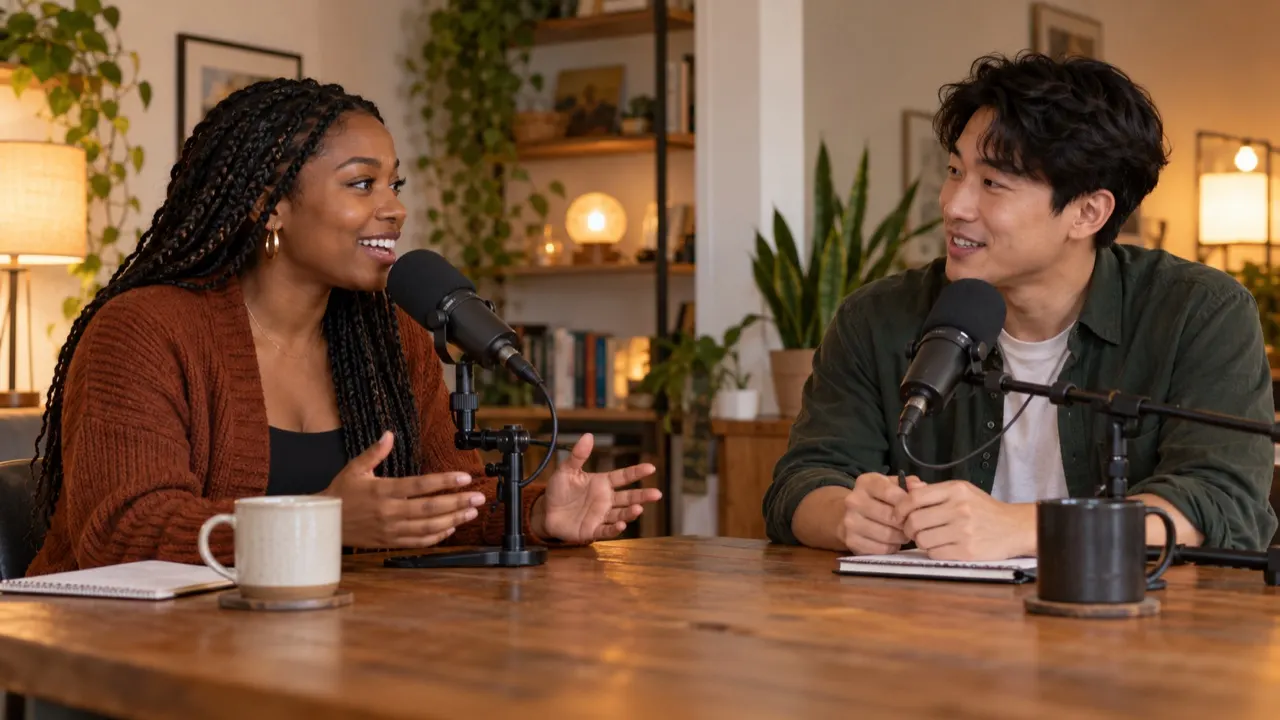
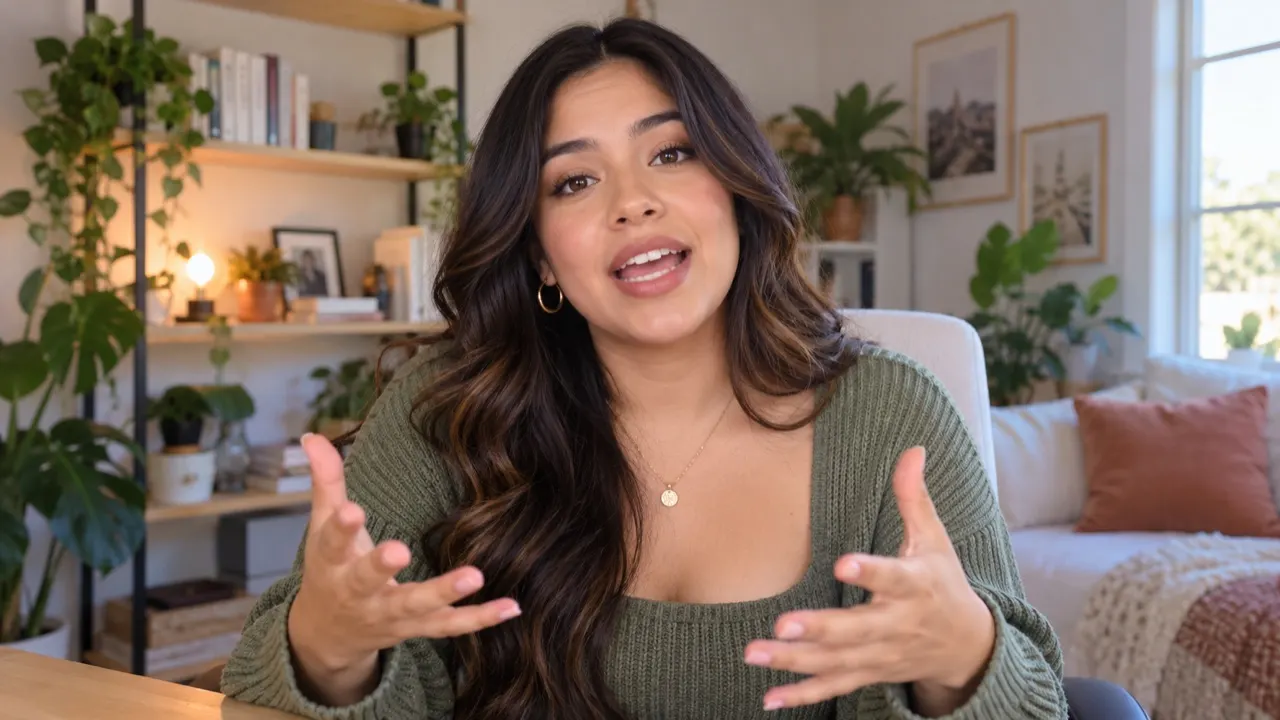

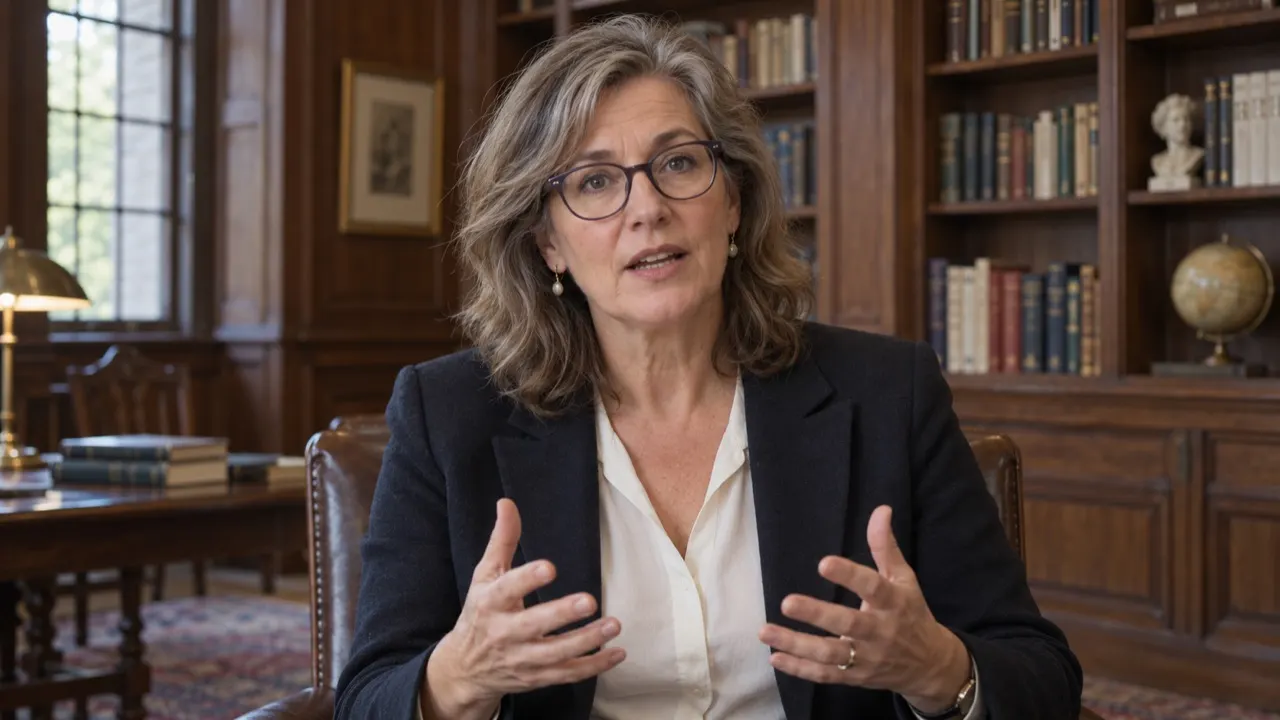


- One voice, 66 languages
- The words and rhythm follow the language you pick
- Up to 3 languages per upload with credits
Who translates into many languages
One upload, as many languages as your audience speaks.
 ES · HI · PT
 FR · DE · JA
 ES · PT · HI
Popular language pairs
Every pair works both ways — dubbing and subtitles.
Hear it in six languages
One English clip, dubbed by AI Video Dubbing. Pick a language — same face, same voice, new words.
Demo clip: AI-generated presenter. Voice and lip sync made with the same pipeline you’ll use.
How to translate a video in 3 steps
No editing software, no recording session.
- 1Upload your videoDrop a file — up to 2 hours and 2 GB.
- 2Pick the language and modelAuto-detect the original, then choose your target languages and a model.
- 3Preview, edit and downloadFix any line in the script, then download the video, audio or subtitles.
Discover more tools
Everything you need to take one video into many languages.

Frequently asked questions
How many languages does the translator support?
70+ languages for subtitles, and 65+ for a dub in your own voice, including Spanish, Portuguese, French, German, Japanese, Korean, Chinese, Hindi, Arabic and Indonesian. The language spoken in your video is detected for you. One upload can go out in up to 3 languages on a pack or the Creator plan, and up to 10 on Studio; each language is billed separately.
Can I translate between two languages that aren’t English?
Yes. Any pair works, both ways — Spanish to Japanese, Hindi to Portuguese and so on.
Does every language work with my own voice?
Not yet. The voice cloned from your video speaks 65+ of our 70+ languages, the widely spoken ones among them; the rest get subtitles for now, and the language picker tags them. Try the free preview in yours.
Do you support regional accents?
We understand regional accents in the original. The new voice follows the speaker, so it doesn’t switch to a fixed regional accent.
Can I translate into several languages at once?
1 on the free preview, up to 3 with a pack or the Creator plan, 5 on Pro and 10 on Studio.
Which language should I pick for a mixed-language video?
Leave the original on Auto-detect and the main spoken language is picked up. Lines in a second language can come out wrong, so read the script and fix them before anything is voiced.
Can I try a language for free?
Yes: one free preview a day without an account, 3 free previews a day signed in, and 3 credits when you verify your email. A preview is the first 60 seconds, dubbed into one language, and you can edit its script like any other translation.
Is my language missing?
Search the list on this page. If it isn’t there, write to us from the contact page — we add languages as the voice models support them.
Pick a language and hear the difference
Preview 60 seconds free.