TikTok Video Translator
A TikTok video translator that dubs TikToks, Reels and Shorts in your own voice, captions included.
By translating you confirm you have the rights to this video and voice.
- Free 60-second preview
- No sign-up to try
- Your own voice
- 70+ languages
Made for vertical video
Same picture, new language — 9:16 in, 9:16 out.
 ES¡Tres series más, vamos!
 JAまずは木材を測ります。
 PTMeu passo favorito da rotina.
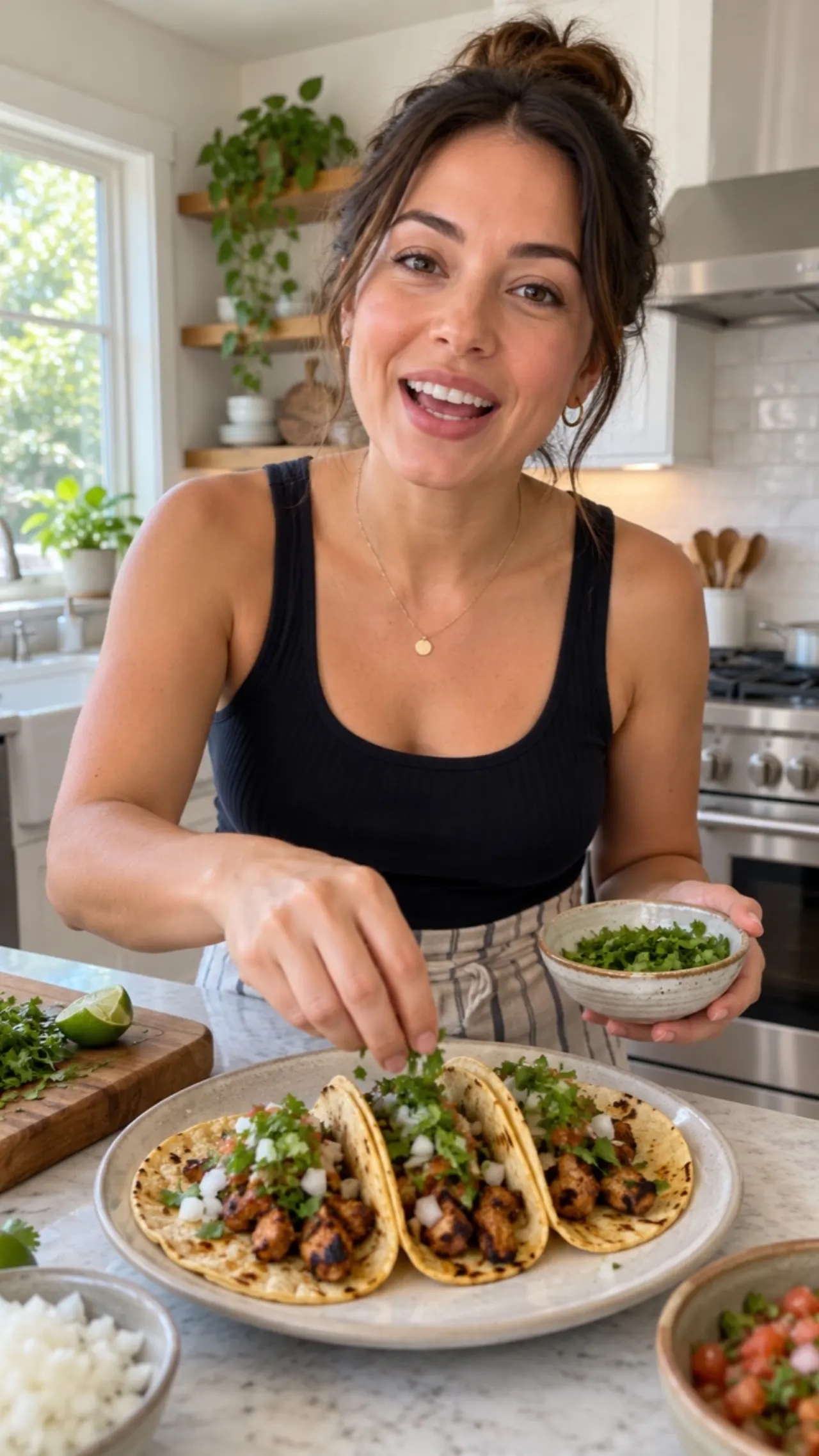 HIअब इसमें थोड़ा नमक डालें।
Why use a TikTok video translator
More views from the same post.
One tool for every kind of video
Pick a scenario and compare both sides — same picture, new language.
 Original · EnglishWelcome back to the channel!Spanish · Dubbing 2.0¡Bienvenidos de nuevo al canal!
How to translate a TikTok in 3 steps
No editing software, no recording session.
- 1Upload the TikTokSave it from your phone or TikTok Studio, then drop the file here. Link import is coming soon.
- 2Pick a language and voiceChoose the language. Your own voice is the default, and the 9:16 frame stays as it is.
- 3Download and postGet the vertical MP4 and an SRT for captions in the TikTok or CapCut editor.
Why creators choose AI Video Dubbing
Voice, script and music handled in one upload.
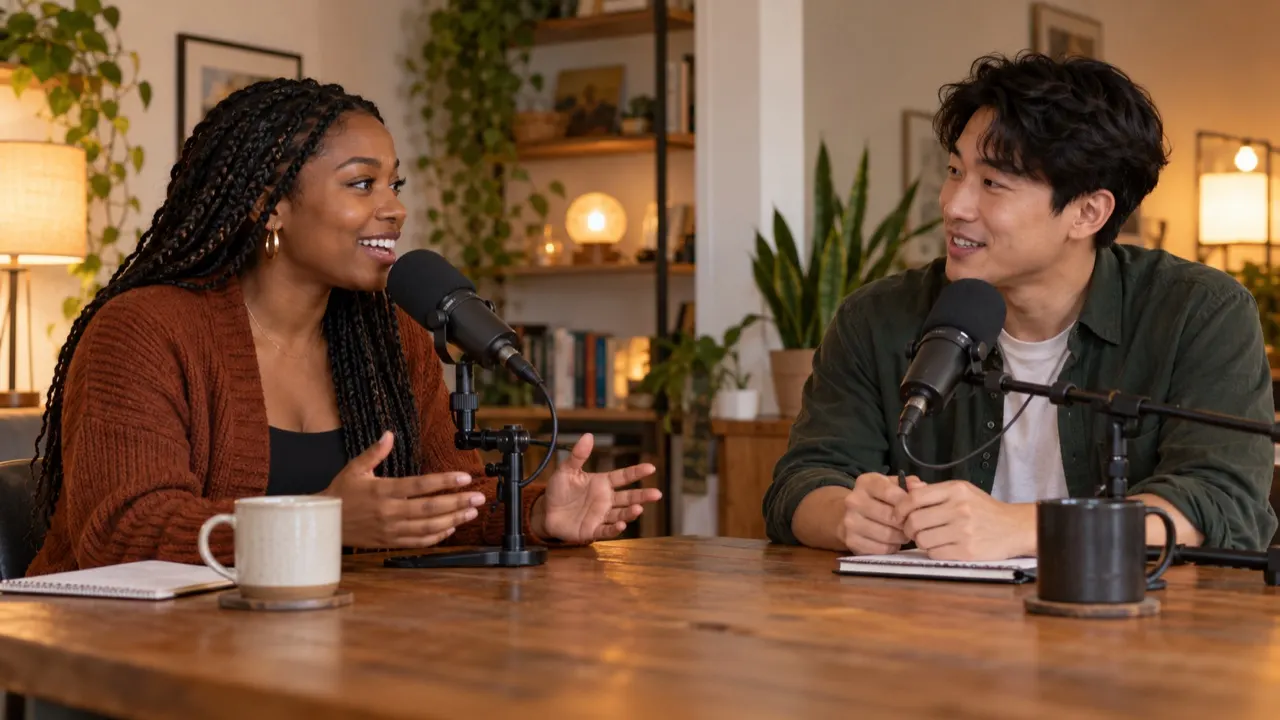
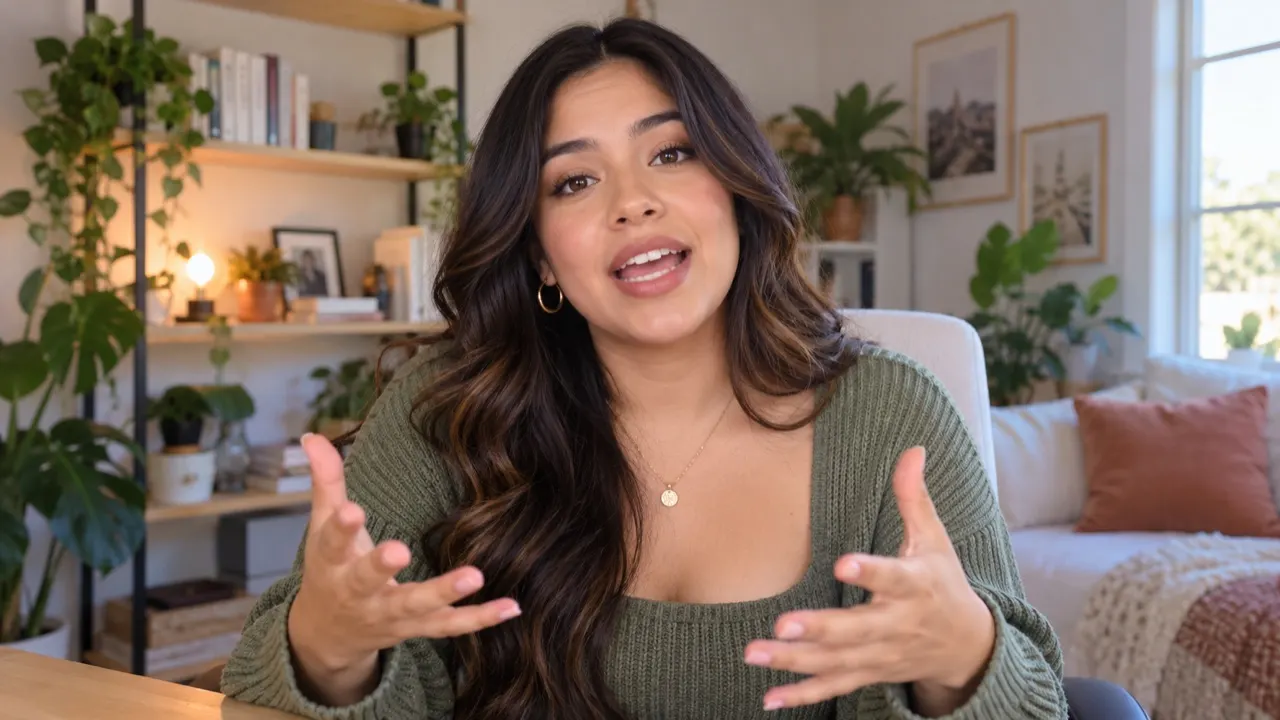
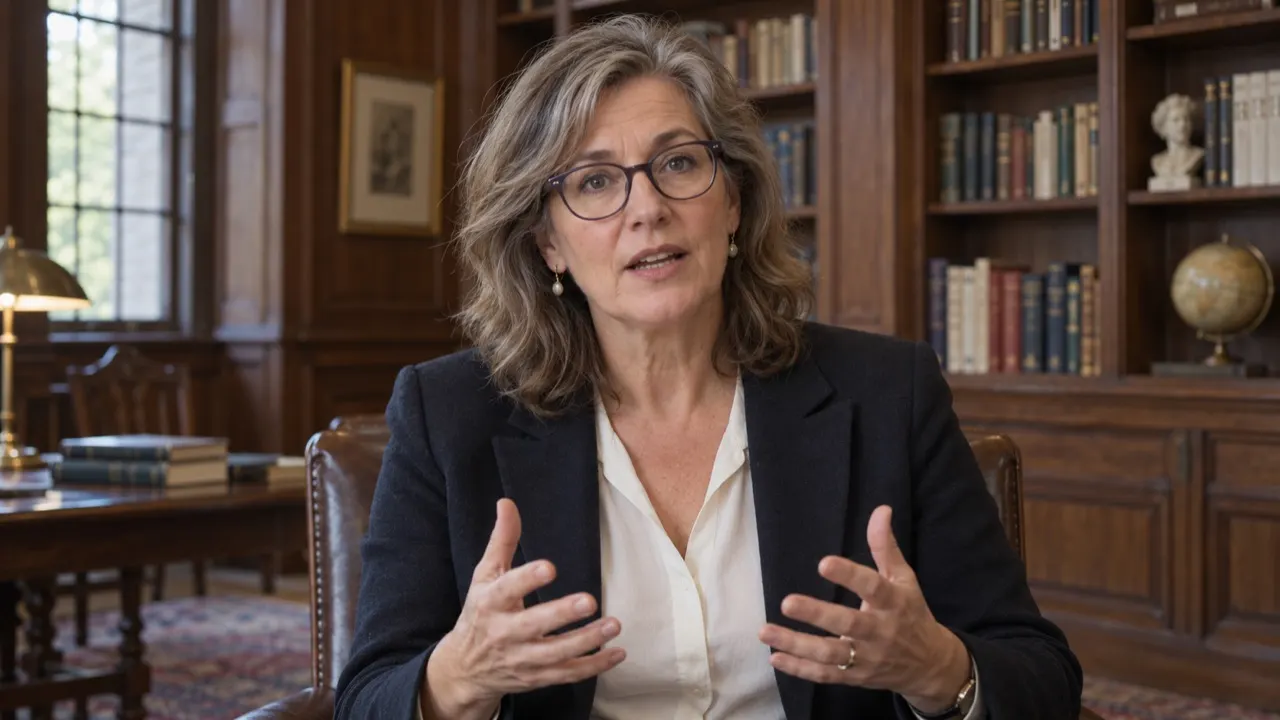
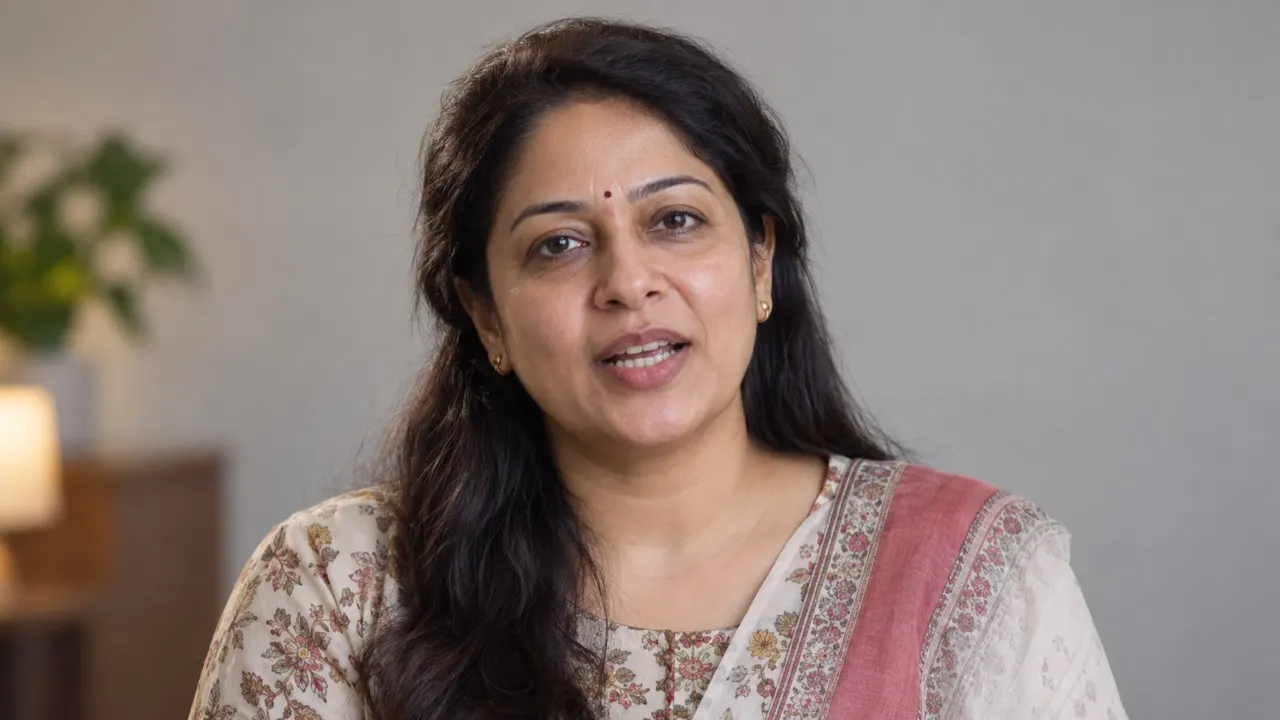
Your own voice, in 65+ languages
We learn each speaker’s voice from the video itself, so viewers hear you — not a stock narrator.
- Each speaker cloned separately
- Keeps your pace and pitch
- No recording session




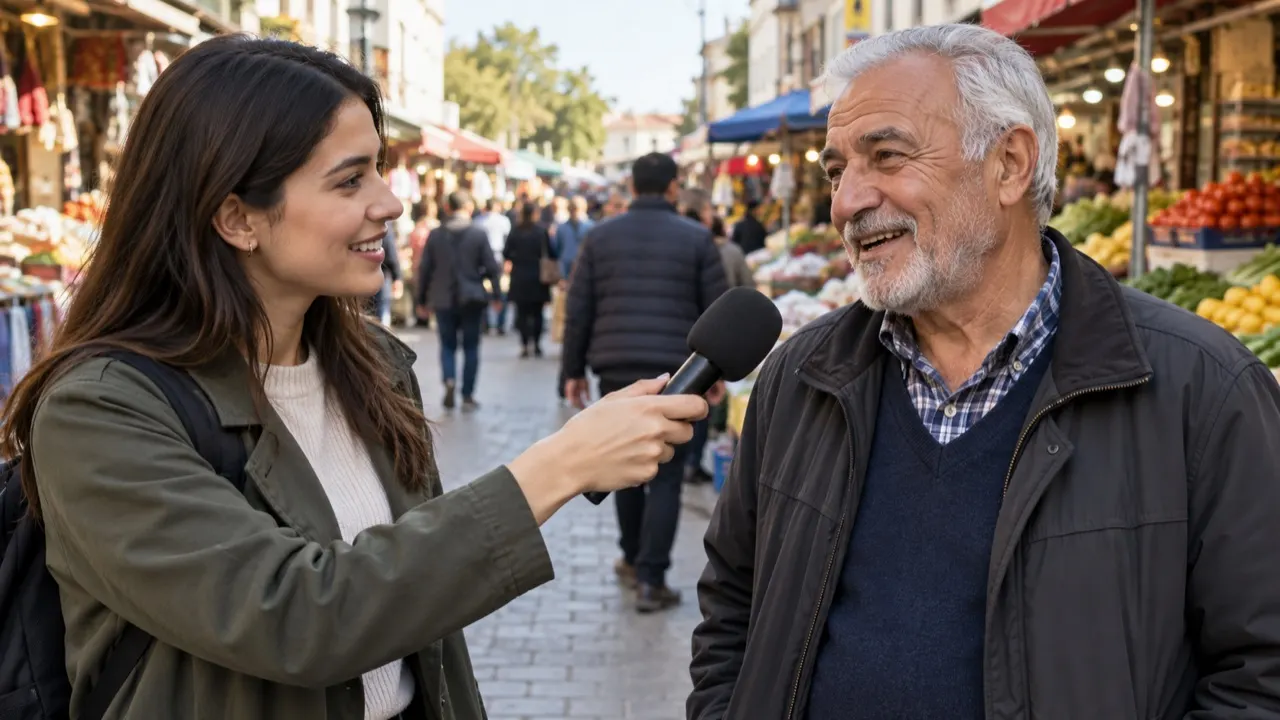
Edit the script before it is voiced
Every line shows up next to the original. Fix a name, shorten a line, then press Generate.
- Side-by-side script
- Flags lines that will sound rushed
- Nothing is voiced until you say so
Keep the background music
Only the voice is swapped. Intro music, room tone and sound effects stay where they were.
- Voice and music separated
- No re-mixing needed
- Download the audio track for YouTube
Popular language pairs
Every pair works both ways — dubbing and subtitles.
Discover more tools
Everything you need to take one video into many languages.
Frequently asked questions
Is the TikTok video translator free?
Yes. Most TikToks fit inside the free 60-second preview — no sign-up. Longer videos use credits: 1.5 credits a minute for a dub, 0.2 for subtitles.
Can I paste a TikTok link?
Not yet — link import is coming soon. Save the video from your phone or from TikTok Studio and upload the file.
Does it keep the vertical 9:16 format?
Yes. The dubbed video comes back in the same size and shape you uploaded, ready to post.
Can I add captions in the new language?
Yes. Download the translated subtitles as SRT and add them in the TikTok or CapCut editor. Burning captions into the video isn’t available yet.
Will it sound like me?
The voice is learned from your video itself, so viewers hear your tone and pace in the new language — no recording session. It works best on clear speech without loud music on top. Try the free preview first: it uses the same voice you would get on the whole video.
Can I post the dub to Reels and Shorts too?
Yes. It is a normal vertical MP4, so the same file works on TikTok, Instagram Reels and YouTube Shorts.
Is the music kept?
Yes. Only the voice is replaced; the music and sound effects stay where they were. Trending sounds you added in the TikTok app are not part of your saved file, so add them again when you post.
How long can my TikTok be?
Files up to 2 GB. A free preview covers the first 60 seconds of any length of video. With credits, packs and the Creator plan take videos up to 30 minutes, Pro up to 60, and Studio up to 2 hours. A longer video can be trimmed to the part you need; only that part is processed and charged.
Translate your next TikTok video
Preview 60 seconds free — no sign-up.