AI Podcast Translator
A podcast translator that turns the episodes you have into a second feed. Hosts and guests speak Spanish, German or Hindi in their own voices: upload the final mix, publish the new episode.
By translating you confirm you have the rights to this video and voice.
- Each speaker cloned
- Up to 2 hours
- Audio or video shows
How do I translate a podcast into another language?
Upload the episode’s final mix, choose the language, and every host and guest is re-voiced in their own cloned voice while the music stays. Download the new episode with SRT and VTT transcripts and publish it as its own feed. A dub uses 1.5 credits / min; the first 60 seconds are free to hear.
- Free preview
- 60 seconds
- Dub
- 1.5 credits / min
- Longest episode
- 2 h on Studio
- Biggest file
- 2 GB
- Speakers
- Each cloned
- Transcripts
- SRT, VTT
Hear the host in German
The same opening line, before and after.
“Welcome back to episode 118.”
“Willkommen zurück zu Folge 118.”
Interview shows with remote guests
Your guest recorded from home. They still sound like themselves in Spanish.
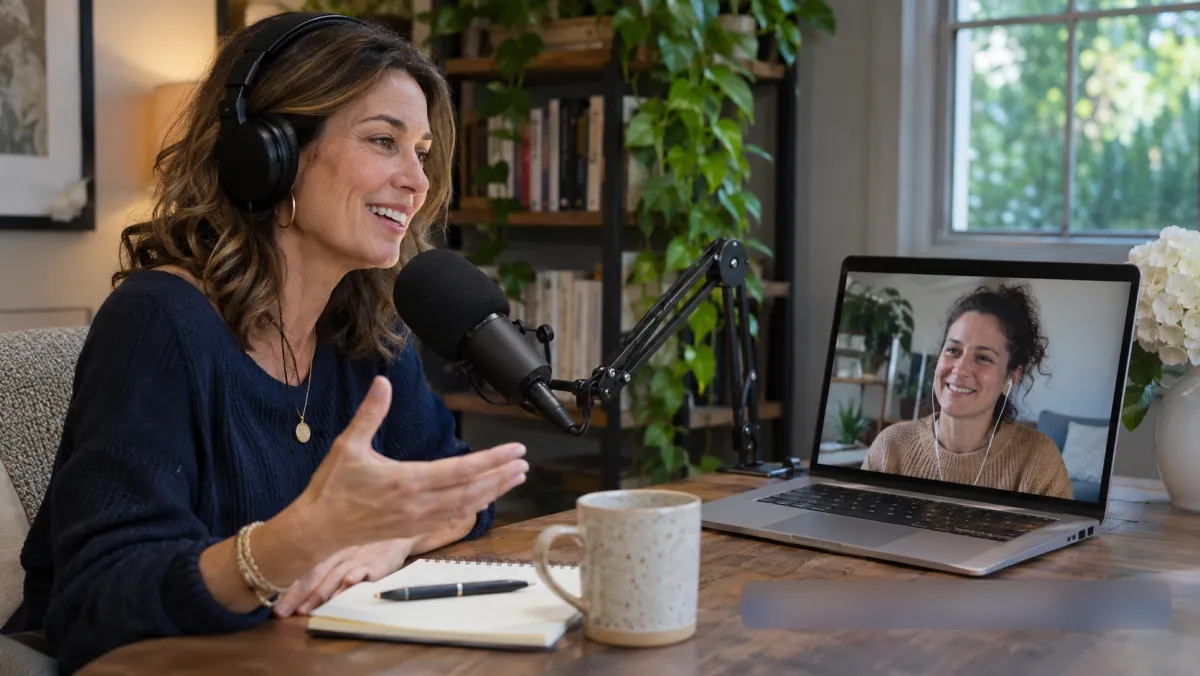
A remote interview is two voices on two microphones. Each one is cloned from about 20 seconds of that person’s own lines, so the host and the guest stay easy to tell apart in the new language.
Names of guests, companies and books stay as they were said; add them to the glossary once and every episode keeps them.
- Each voice cloned on its own
- Guest names kept
- Intro and outro music stays
Filmed podcasts for YouTube
Upload the MP4 and get the same camera angles back, speaking a new language.
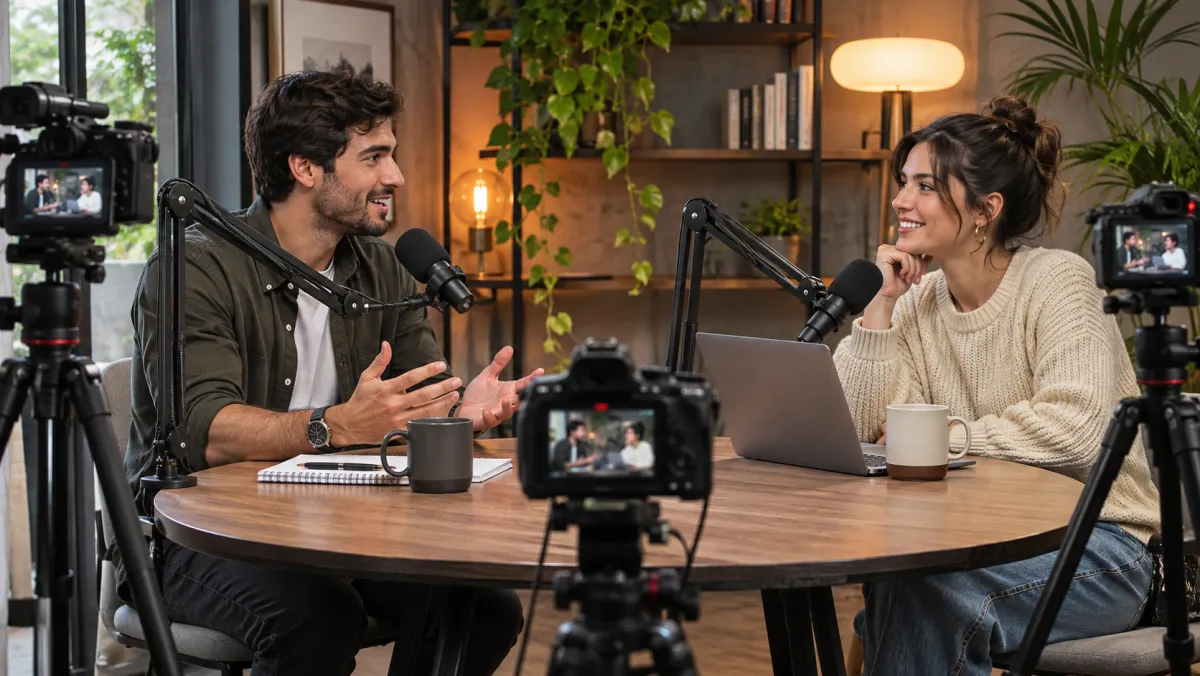
A filmed show comes back as a video file with the new voices on it. Add it to YouTube as a second audio track, or post it on a channel for that language.
Lip sync is optional at 5 credits / min if the close-ups matter; most wide two-shot podcasts look fine with a plain dub.
For listeners who never read the subtitles
Podcasts are heard on runs, commutes and dishes. Captions don’t help there.

That is why a podcast needs a dub rather than a subtitle file: the listener is not looking at a screen. A translated feed lets someone in Madrid or Munich follow every word with the phone in their pocket.
Start with one back-catalogue episode that did well in English and see whether the new feed finds listeners before translating the rest.
Show notes, already written
Every episode comes with the transcript in both languages, ready for the episode page or a blog post.
1
00:00:04,200 --> 00:00:07,900
Welcome back to episode 118.

2
00:00:08,100 --> 00:00:12,600
Today my guest built a bakery chain from one oven.
1
00:00:04,200 --> 00:00:07,900
Willkommen zurück zu Folge 118.

2
00:00:08,100 --> 00:00:12,600
Mein Gast hat aus einem Ofen eine Bäckereikette gemacht.
A bilingual SRT or VTT is there too, with both languages in one file.
Where the translated episode goes
Three common ways to publish, for a 40-minute episode.
Podcast translator: from final mix to a new feed
Upload, check, publish.
- 1Upload the masterThe final mix you publish, as MP3, M4A or WAV — or the MP4 if the show is filmed.
- 2Pick the feed’s languageEach host and guest is cloned from their own lines. Read the script and fix a word before it is voiced.
- 3Upload to your hostThe translated episode plus the transcript for show notes.
Popular language pairs
Every pair works both ways — dubbing and subtitles.
Discover more tools
Everything you need to take one video into many languages.


Frequently asked questions
Can I try the podcast translator on an episode before paying?
Yes. The first 60 seconds of any episode are free to preview without signing up, so you hear your own host speaking the new language first.
What happens with two hosts and a guest?
Each speaker is cloned from their own lines and keeps that voice in the translation. The script names who says each line, so you can reassign a line where two voices were mixed up before anything is voiced.
Do you translate video podcasts?
Yes. Upload the MP4 and the translated version comes back as a video with the new voices. For an audio-only feed, upload the audio master instead.
How long can an episode be?
Up to 2 hours on Studio, in files up to 2 GB. MP3, M4A and WAV all work, as do common video files.
Do the theme tune and ad reads survive?
The music bed, intro and outro stay where they were. Spoken ad reads are speech, so they are translated with the rest; cut them from the master first if the sponsor only bought one market.
Should a translated show be a new feed?
Most shows start a separate feed per language, so listeners find it under their own language in Apple Podcasts and Spotify. A filmed show can instead add the new audio as a second language track on YouTube.
Do I get transcripts for show notes?
Yes. Each episode comes with the translated transcript as SRT and VTT, a bilingual file and the original transcript.
How much does podcast translation cost?
Preview the first 60 seconds of any video free. After that, a dub uses 1.5 credits a minute (subtitles 0.2, lip sync 5). The Starter pack is $9.90 for 15 credits and never expires; the Creator plan is $19.90 a month for 40 credits. 26 languages, such as Bengali, Urdu, Swahili and Welsh, are voiced in two steps, so a dub or lip sync into one of them adds 0.5 credit a minute (a minute at least). The language list marks them.
Start a second feed with the podcast translator
Hear 60 seconds of your best episode, free.