English to Japanese Video Translator
Translate English video to Japanese the way Japanese viewers expect: polite, carefully timed speech in your own voice, or Japanese subtitles with natural line breaks.
By translating you confirm you have the rights to this video and voice.
- です・ます polite style
- Katakana names your way
- Subtitles or voice
Can I turn an English video into Japanese without a translator?
Yes. Upload the English video and choose Japanese. The script is written in polite です・ます style by default, names are spelled in katakana the way you set them, and you get Japanese subtitles or a Japanese voice cloned from yours. The first 60 seconds are free to preview.
- Default politeness
- です・ます
- Japanese subtitles
- 0.2 credit / min
- Japanese voice
- 1.5 credits / min
- Lip sync
- 5 credits / min
- Script
- Kanji and kana
- Preview
- 60 s free
An English intro, spoken in Japanese
Notice the polite opening — こんにちは、ミアです — not a word-for-word “Hi, I’m Mia”.
Demo clip: AI-generated presenter, translated and lip-synced by the same pipeline you’ll use.
English that needs a Japanese rewrite
Casual YouTube English, and the Japanese a viewer in Tokyo expects to hear.
| English | Literal | Our Japanese |
|---|---|---|
| Good luck! | グッドラック! | 頑張って! |
| That was easy | それは簡単だった | 朝飯前でした |
| A game changer | ゲームチェンジャー | 画期的 |
| Thanks for watching | 見てくれてありがとう | ご視聴ありがとうございました |
| Hey guys! | ヘイ、ガイズ! | 皆さん、こんにちは |
| Smash that subscribe button | 購読ボタンを叩いて | チャンネル登録お願いします |
How polite should your Japanese be?
The same sentence at two levels. Pick the one that matches your audience.
Game trailers and devlogs
Japan is one of the biggest game markets. Your devlog can speak to it.
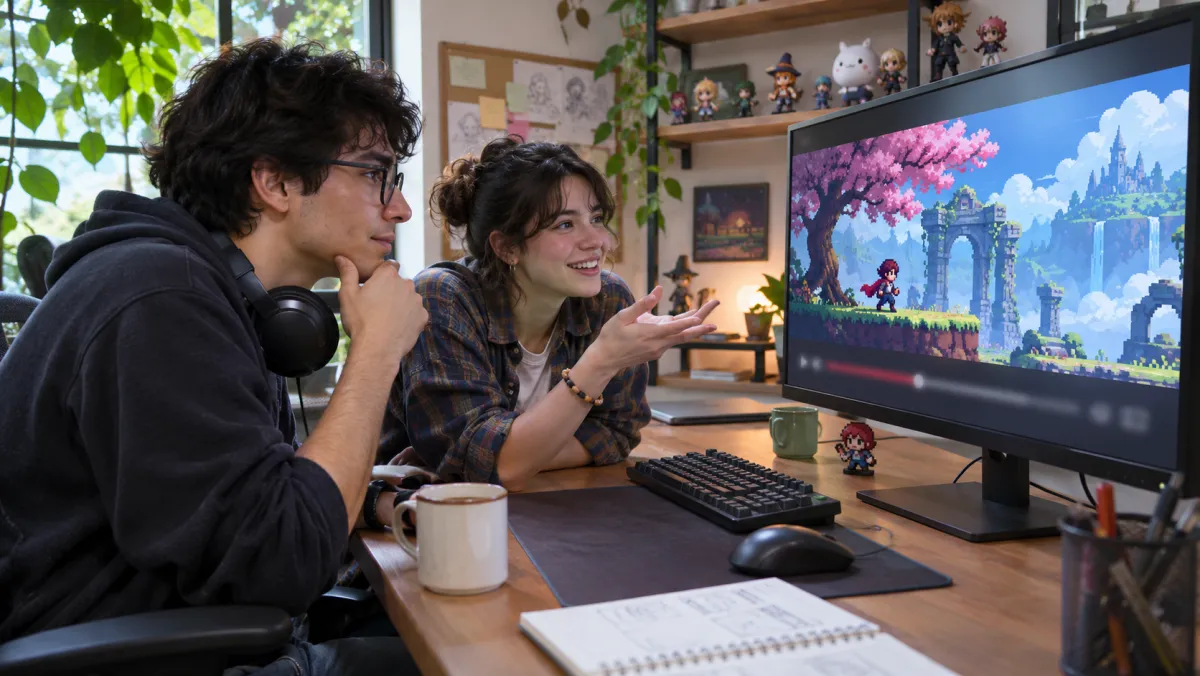
Game and character names in katakana should match your store page. Add them to the glossary once — “ネオン・ドリフト” for “Neon Drift” — and every line uses the same spelling.
Music and sound effects stay in the trailer; only the narration changes language.
- Katakana names fixed by glossary
- Score and SFX kept
- Each speaker their own voice
Training for teams in Japan
Safety and onboarding videos that Japanese staff can follow without subtitles.

Training needs formal, exact Japanese. The script defaults to polite style, and you can read every instruction in the editor next to the English before it is voiced.
For long internal courses, Japanese subtitles at 0.2 credits a minute are often enough; add a voice where people watch while working.
Product launches
Keynotes and unboxings, ready for Japanese buyers on launch day.
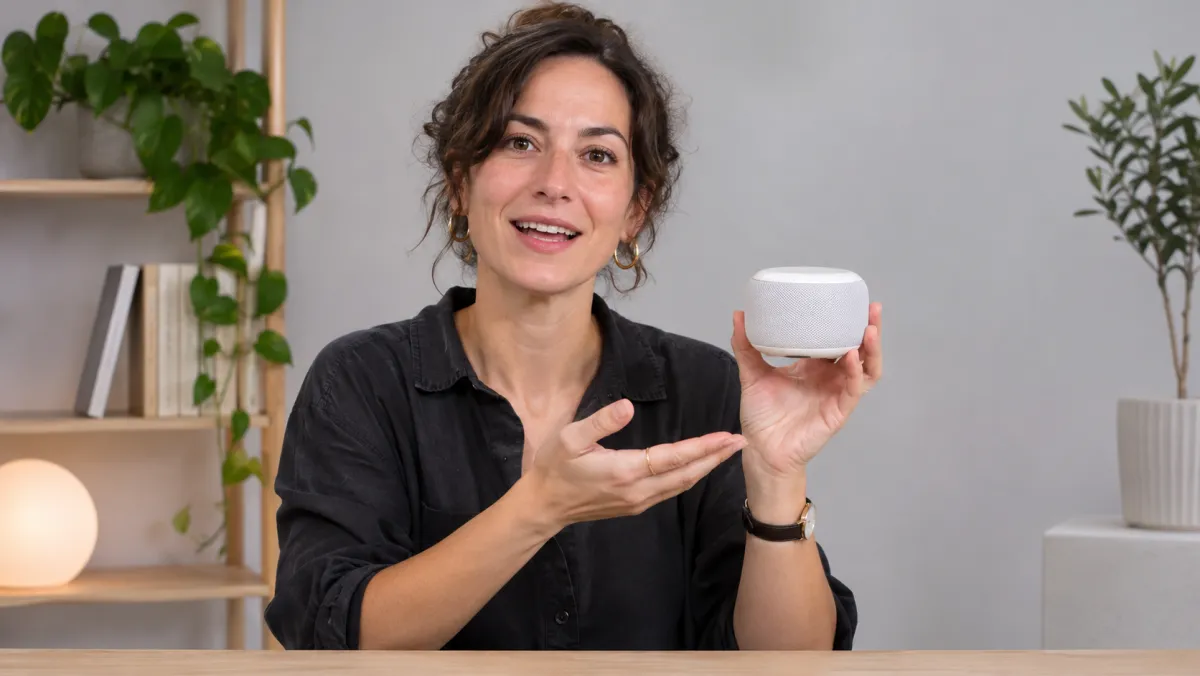
Japanese subtitles need short lines that break at natural points, not mid-word. Lines are split by meaning so viewers can read them at a glance.
Choose lip sync for close-ups of the presenter; it costs more per minute, so use it for the shots where faces fill the frame.
Which Japanese output fits?
By the kind of video you make.
English to Japanese, start to finish
Three steps; edit any line before it is spoken.
- 1UploadA trailer, devlog, course or keynote.
- 2Fix the katakanaNames and product terms, spelled your way.
- 3DownloadJapanese video, subtitles, or both languages in one file.
Other language pairs
Every pair has its own page. All 70+ languages work both ways for subtitles, and 65+ for dubbing.
Discover more tools
Everything you need to take one video into many languages.



Frequently asked questions
When I translate English video to Japanese, will it be polite enough?
Usually, yes: spoken Japanese for a video tends to use です・ます polite style. Read the script before voicing and edit any line to make it more formal or relaxed.
How are names written in Japanese?
Names are written in katakana. Add each one to the glossary with the spelling you want, and it is used in every line and in the subtitles.
Can a cloned voice really speak Japanese?
Yes. Your voice is cloned from the English upload and speaks the Japanese script. If you prefer a native-sounding narrator, choose one of 12 library voices.
Japanese subtitles are hard to read when they are long. How are lines split?
Lines are broken at natural points in the sentence and timed to the speech, so each subtitle is short enough to read at a glance.
What does an English to Japanese video cost?
Japanese subtitles use 0.2 credits a minute, a Japanese voice 1.5 and lip sync 5. Signing up gives 3 free credits for 30 days, about 15 minutes of subtitles.
Is text in my slides or screen recording translated?
No. Only speech is translated. Text on screen stays in English; add Japanese captions in your editor where it matters.
Can I keep English words my audience knows?
Yes. Put them in the glossary as written and they stay in English, or set the katakana form you want.
Translate your English videos to Japanese
A free one-minute preview, no card needed.