Video Localization: A Practical Guide for Creators and Teams
What video localization means beyond translation, what to localize for YouTube, social, courses and ads, and a workflow that takes one video into new markets.
On this page
Translating a video changes the words. Localizing it makes the video feel as if it had been made for the new audience in the first place. The difference shows up in watch time: viewers notice an English title on a Spanish dub, a price in dollars in a German ad, or a thumbnail with text they can't read.
The good news is that you don't need a studio for each market any more. This guide covers what to localize, what matters most on each channel, and a workflow that scales from one video to a library.
The layers of localization
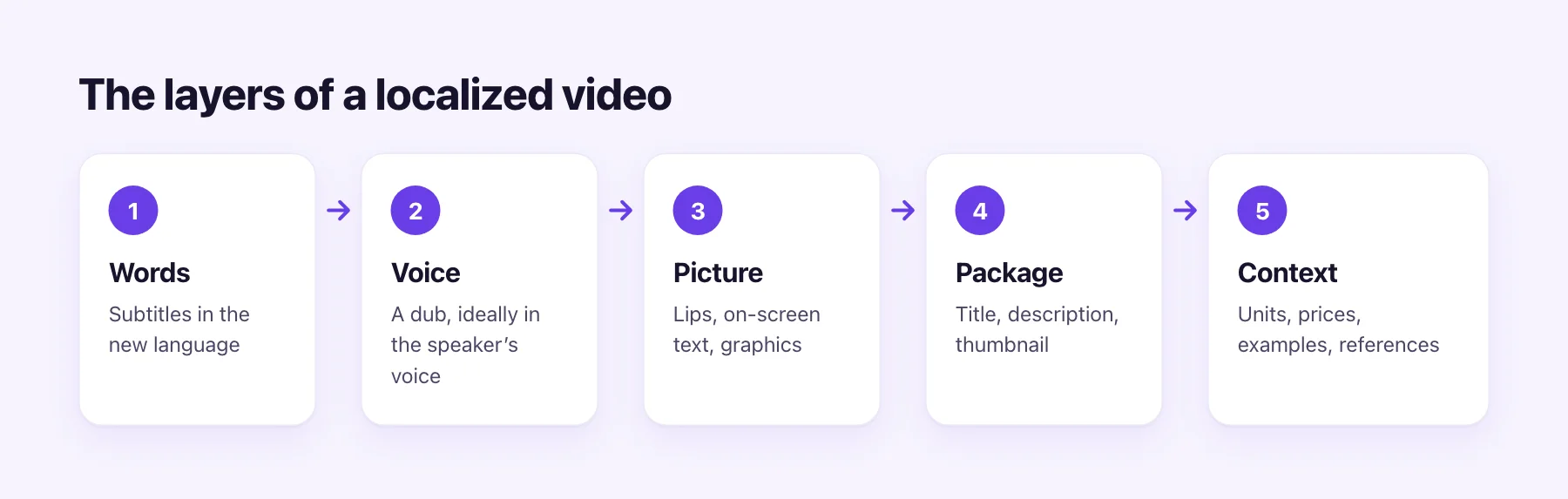
Think of a localized video as five layers, each one optional but each one adding to the effect:
- Words. Subtitles in the new language. The cheapest layer and the foundation of the rest: the translated script also drives the dub.
- Voice. A dub, ideally in the speaker's own voice, so the person viewers know still sounds like themselves.
- Picture. Lips that match the new words, and any text burned into the frame: titles, lower thirds, slides, captions.
- Package. The title, description, thumbnail and tags. These decide whether people in that language ever find the video.
- Context. Units, dates, prices, examples and references. "Five miles", "3/4" and "$20" can all need a second look.
Most creators start with words and voice, add the package, and handle picture and context for their most important videos.
What to localize, channel by channel
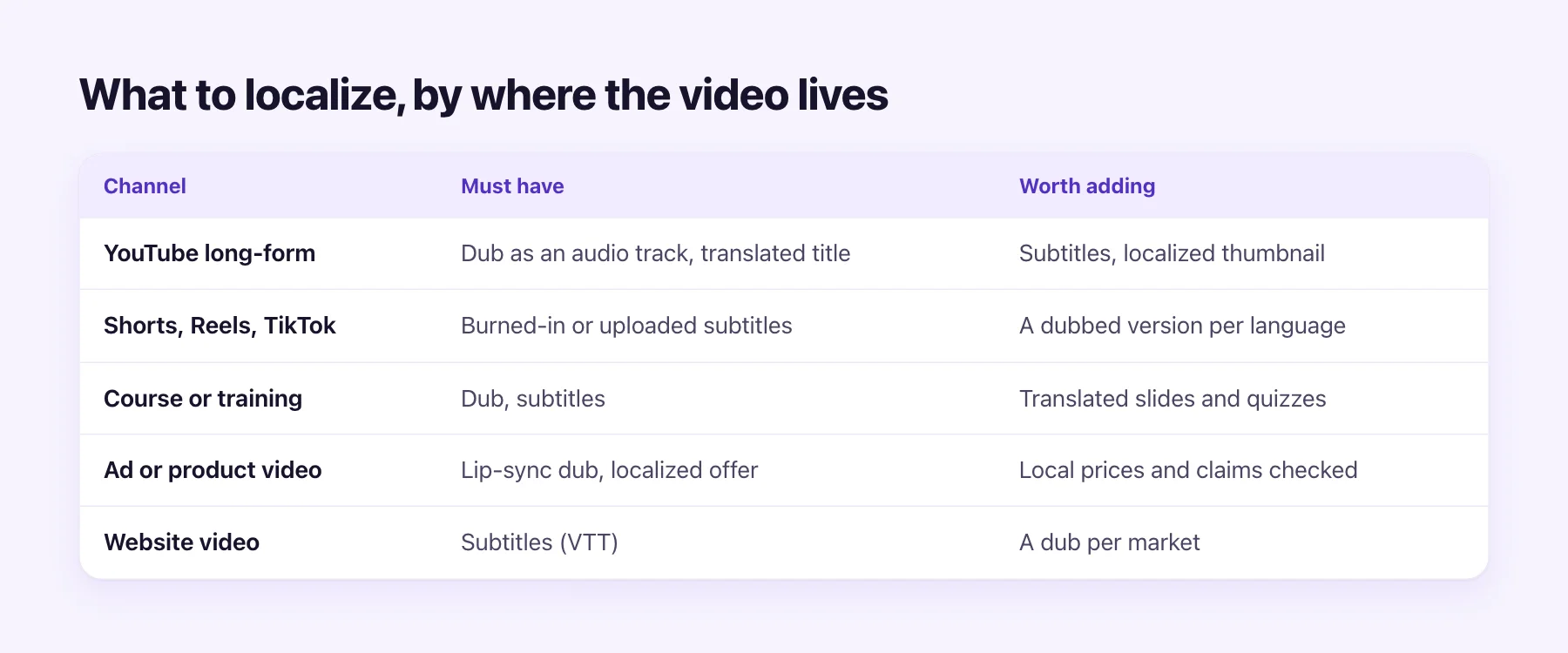
| Where the video lives | Must have | Worth adding |
|---|---|---|
| YouTube long-form | Dub as an audio track, translated title and description | Subtitles, localized thumbnail |
| Shorts, Reels, TikTok | Subtitles | A dubbed version per language |
| Course or training | Dub and subtitles | Translated slides and quizzes |
| Ad or product video | Lip-sync dub, local offer | Prices and claims checked for the market |
| Website video | Subtitles (VTT) | A dub per market |
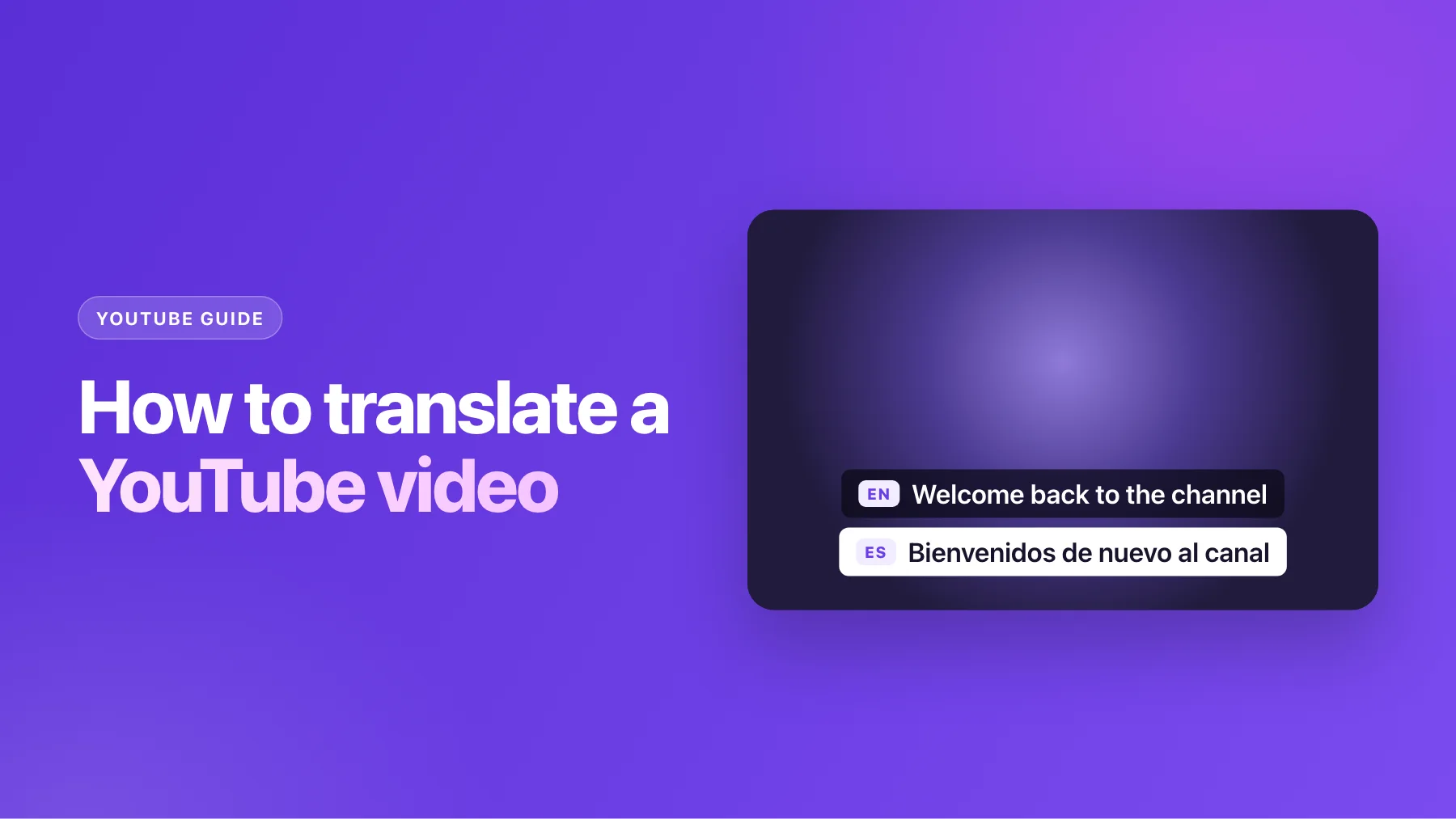
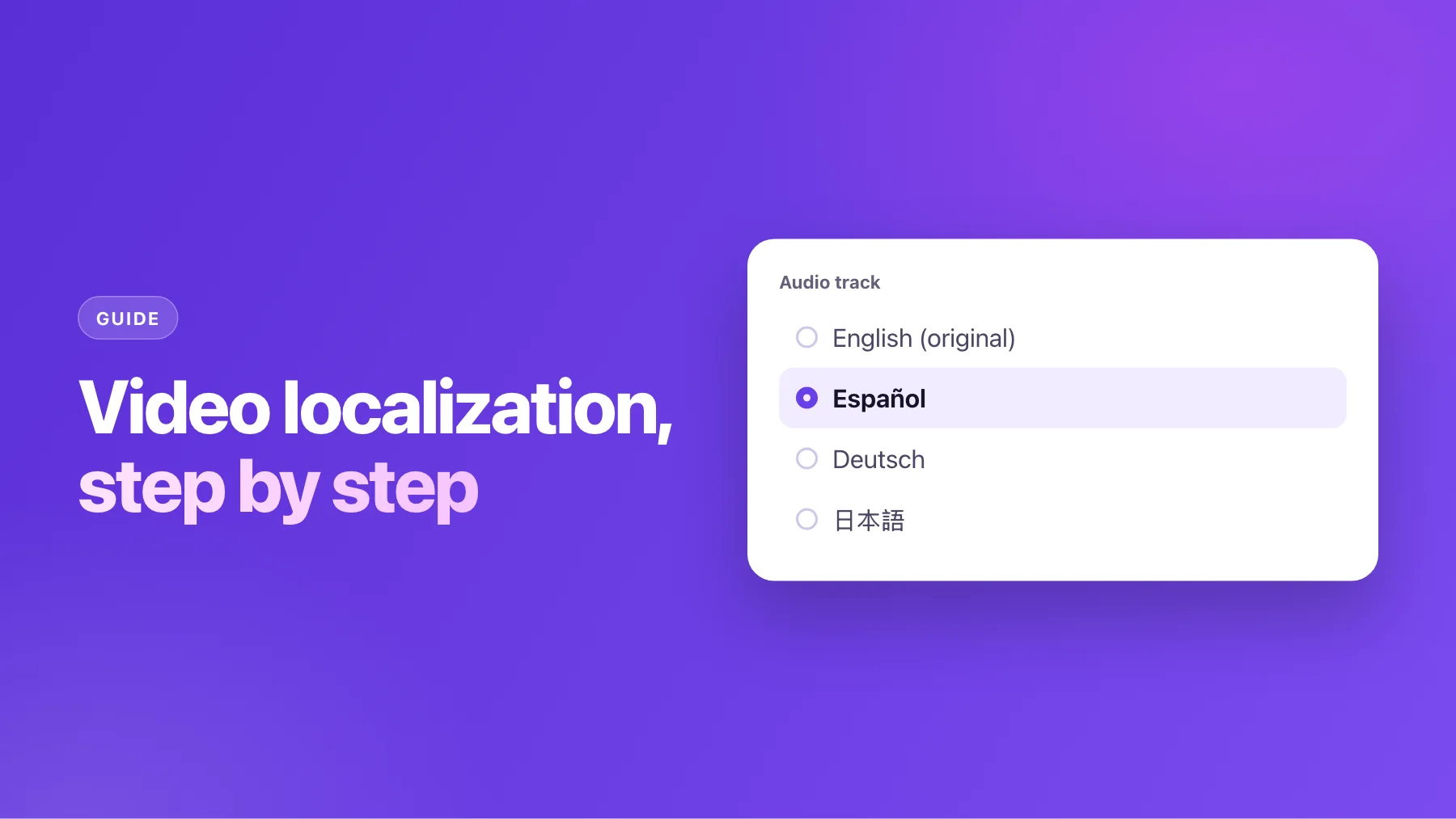
YouTube lets channels with access to advanced features add dubbed audio tracks to one video, so viewers hear their own language without a separate upload. Translated titles and descriptions make the video findable in search in that language, and long-form videos can have localized thumbnails. Our guide to multi-language audio tracks walks through the upload.
Short-form is mostly watched in feeds, often on mute, so subtitles carry the message. If a clip works well, a dubbed version per language is the next step.
Courses and training need learners to follow without effort. A dub keeps their eyes on the screen, and subtitles help with terms.
Ads and product videos live or die on trust. A presenter whose lips don't match the words looks off, which is where a lip-sync dub earns its cost. Check that the offer, price and claims are right for the market.
Voice first
For most videos, the voice is where localization starts to feel real. AI Video Dubbing transcribes your video, translates it line by line, and voices it in a voice learned from each speaker. The music and sound effects stay.
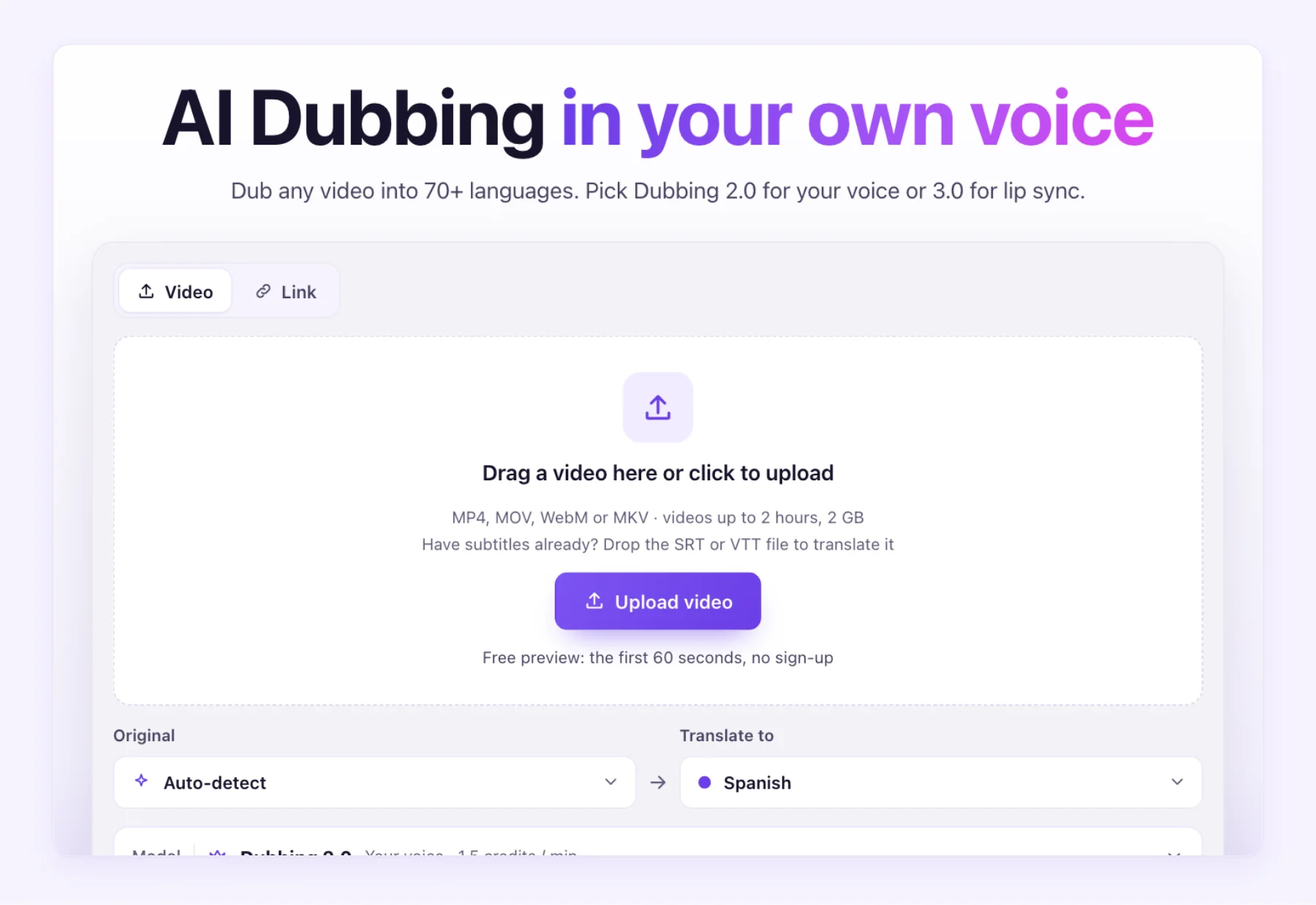
The step that makes the result trustworthy is the script review. Before any voice is generated, you see every line with its timestamp, original next to translation. Fix the names, the product terms and anything a native speaker would phrase differently. Add terms that must never be translated to the glossary, and they stay the same in every video after that.
One presenter, many markets
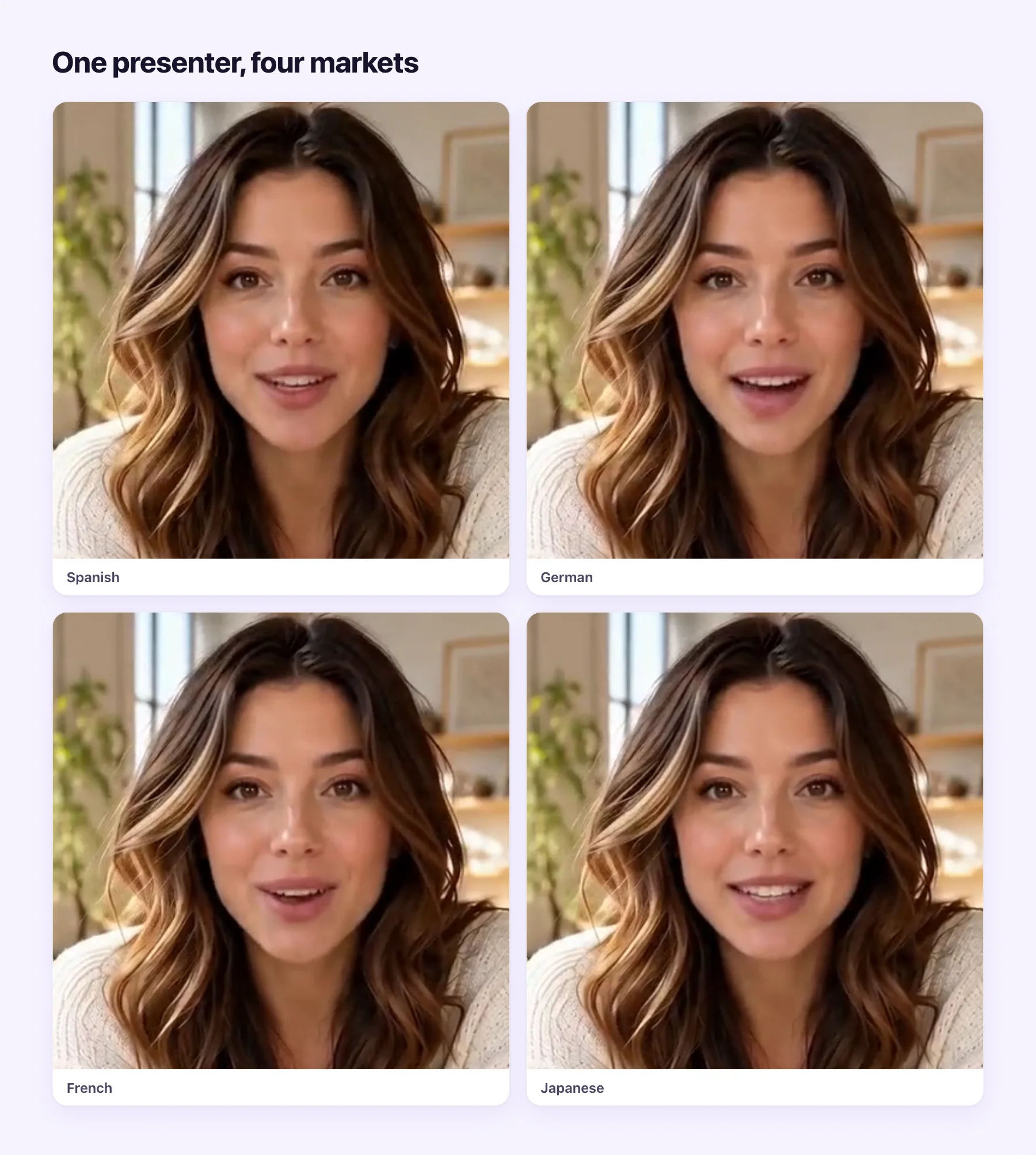
When a face talks to camera, a lip-sync dub takes the last step: the mouth is redrawn to match the new language. The presenter above was localized into four languages from one English recording. No reshoots, no voice actors, and the same person in every market.
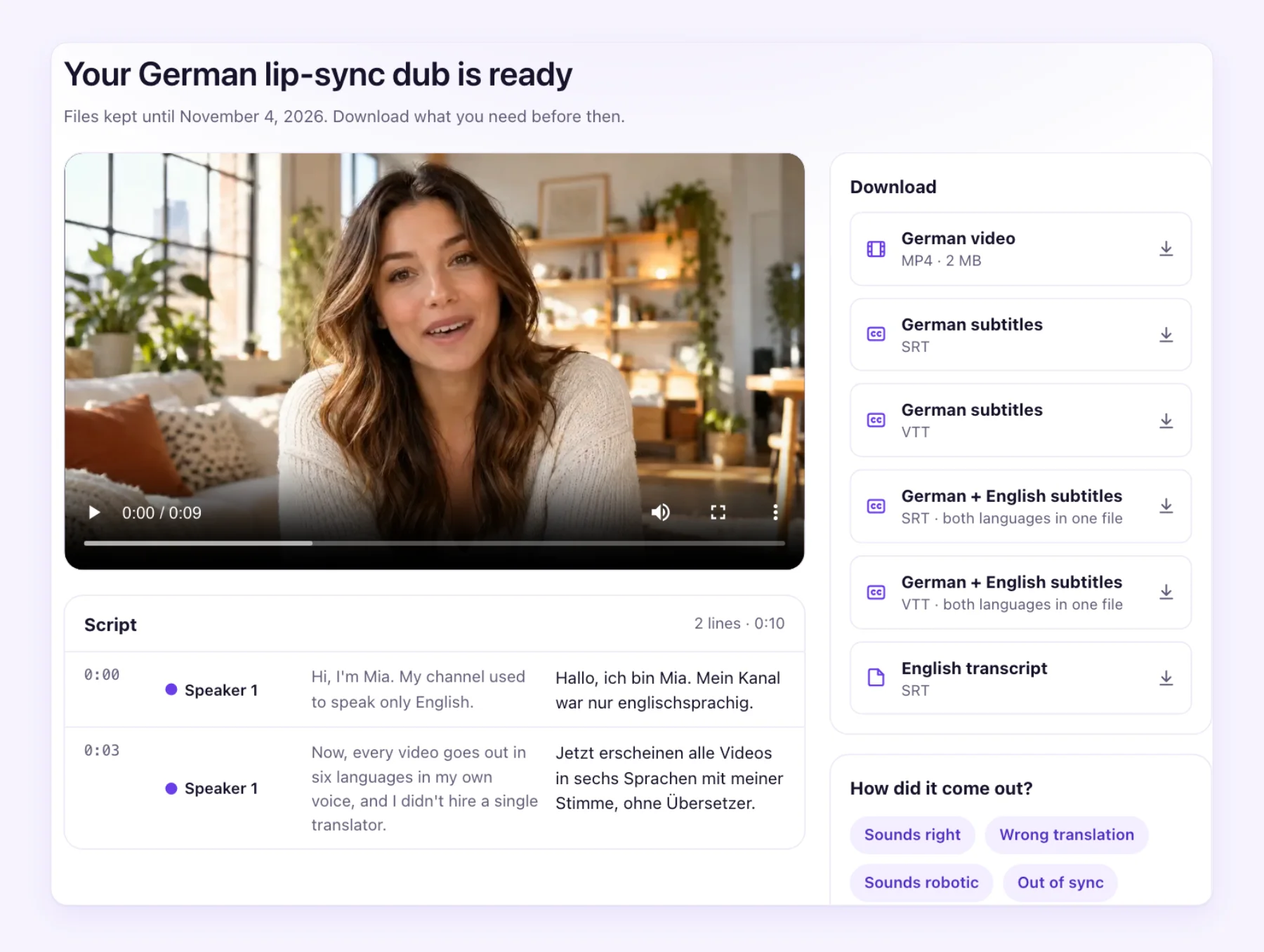
Each finished job gives you the translated MP4, the dub as an audio-only file, subtitles as SRT and VTT, a bilingual subtitle file and the transcript. That's everything the channel table above asks for, from one upload.
Before you publish
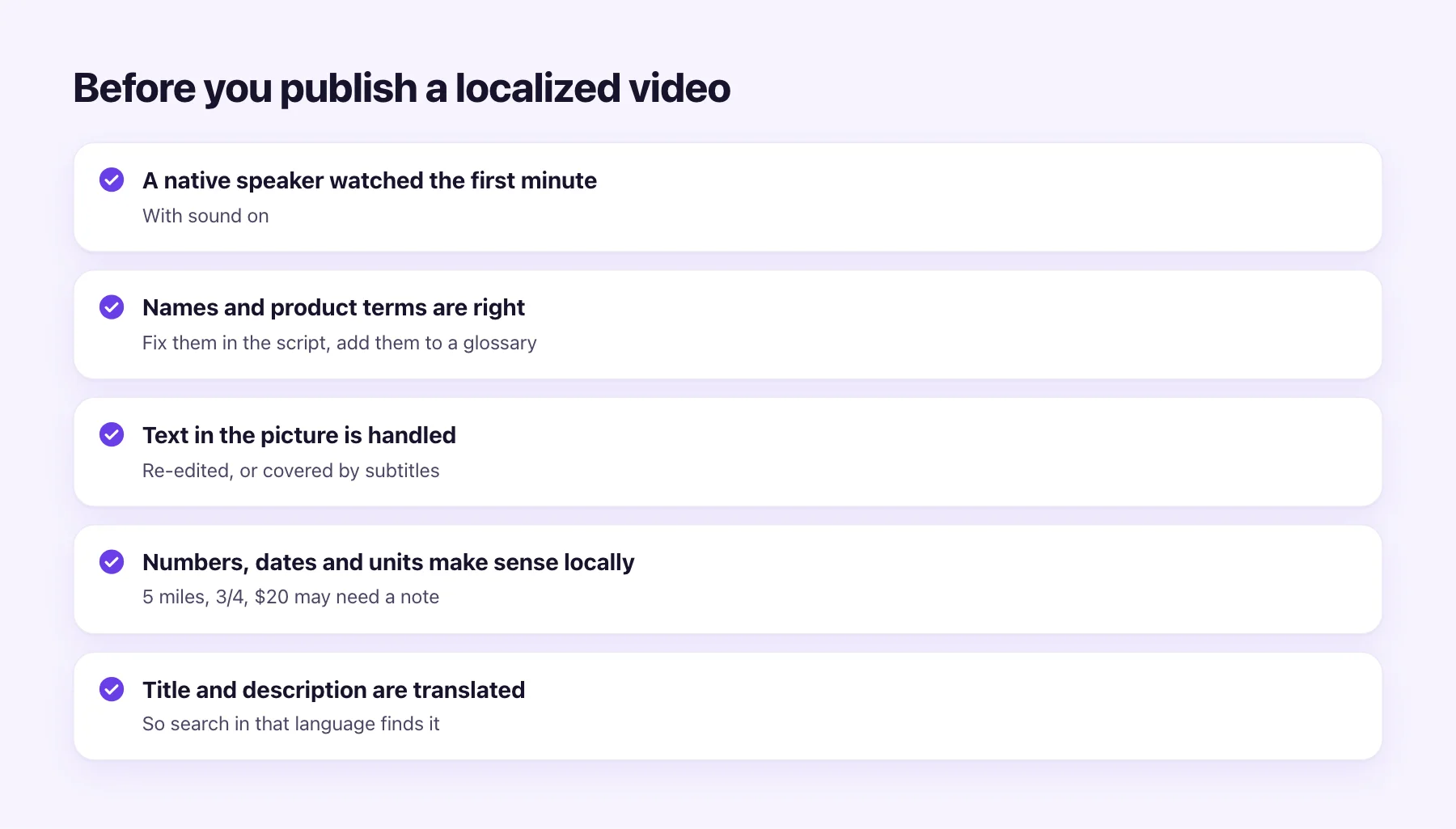
Run through this list before a localized version goes live:
- A native speaker watched the first minute, with sound on. Machine translation is very good now, but a native ear catches tone and the odd word.
- Names and product terms are right. Fix them in the script, and add them to your glossary.
- Text in the picture is handled. Burned-in titles stay in the original language. Re-edit them, or let subtitles cover them.
- Numbers, dates and units make sense. A US recipe in cups may need a note for a European audience.
- Title and description are translated. Otherwise people searching in that language won't find it.
A workflow that scales
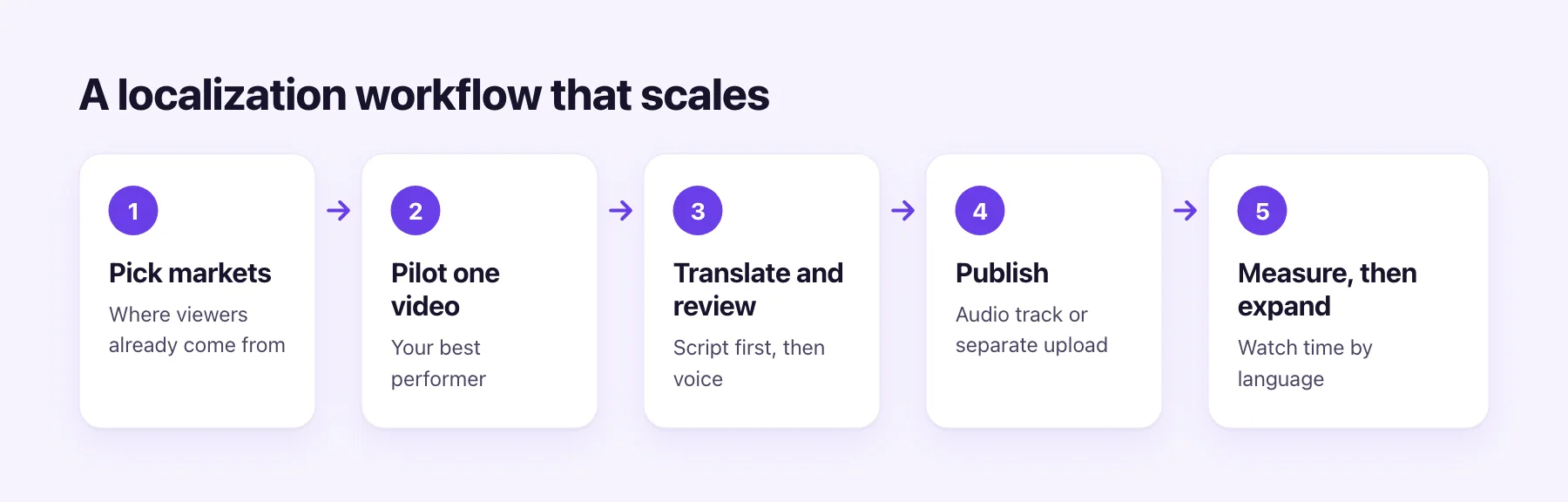
- Pick markets from your data. Your analytics show which countries and languages already watch. Start with the largest audience that isn't in your language.
- Pilot one video. Choose your best performer, one that's evergreen rather than news.
- Translate and review. Review the script before voicing. It's the cheapest point to fix anything.
- Publish. On YouTube, add the dub as an audio track, or upload a separate video. Elsewhere, upload the dubbed MP4 with the subtitles.
- Measure, then expand. Compare watch time and subscribers in the new language over a few weeks. If the pilot works, localize the rest of the series, then the back catalogue.
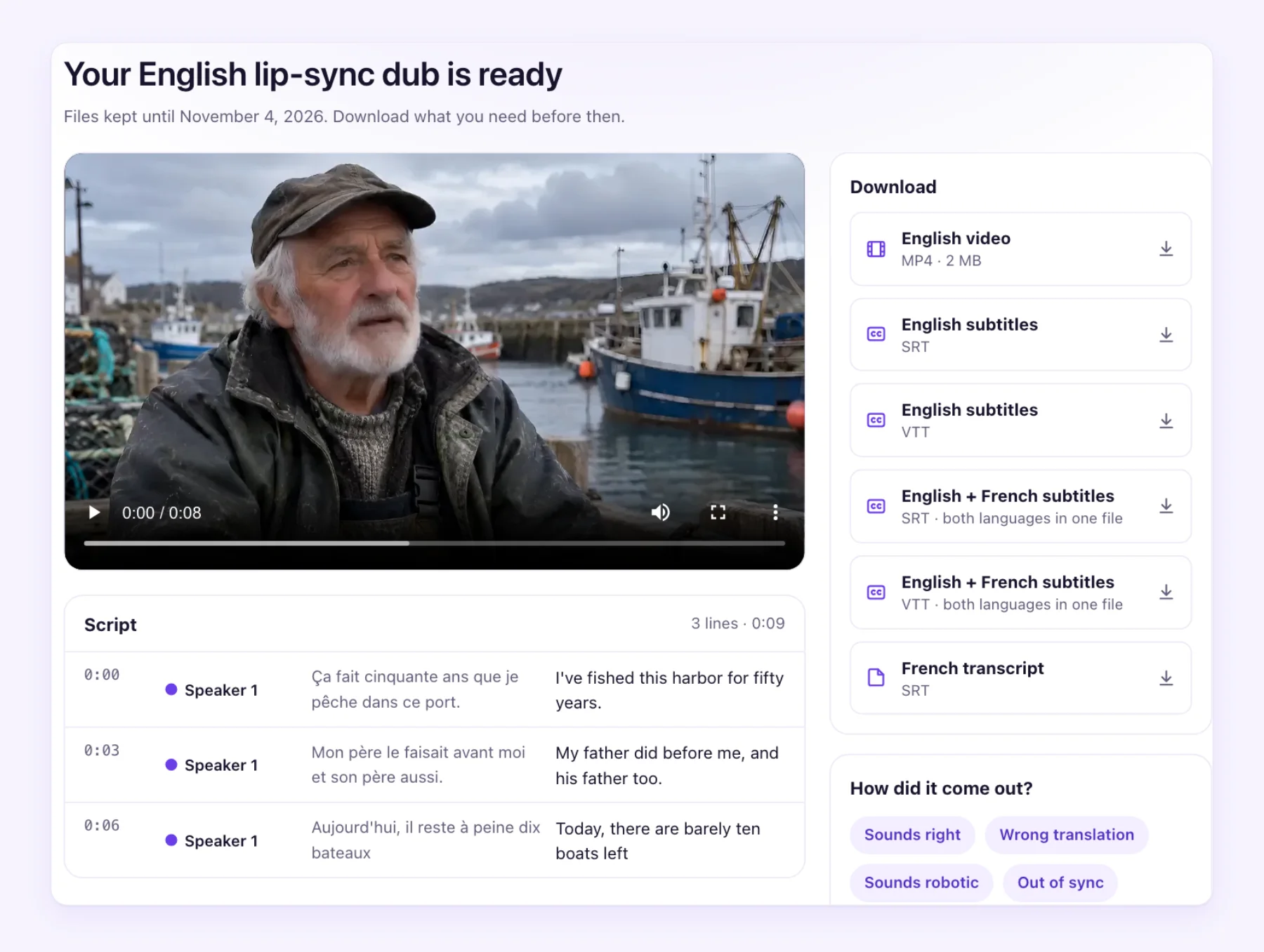
Localization isn't only from English. Creators who make videos in Spanish, Hindi, French, Japanese or Korean often find their largest new audience in English. See how to translate a video for that direction.
What it costs
| Layer | AI Video Dubbing rate | 10 minutes, one language, from |
|---|---|---|
| Subtitles | 0.2 credit / min | $0.71 |
| Dub | 1.5 credits / min | $5.35 |
| Lip-sync dub | 5 credits / min | $17.84 |
The "from" price uses the lowest price per credit, on the best-value plan. The voice learned from your speaker and the library voices cost nothing extra, and every dub comes with the subtitle files. If a job fails, its credits return automatically. For the wider market, including human dubbing, see what video dubbing costs.
Start with one video
Localization pays off when you treat it as an experiment. Pick one video and one language, publish it properly with the title, description and audio track, and watch what happens. The first 60 seconds of any video are free to try, so you can hear your own voice in another language before you decide.